Short answer. Most Android phones have no depth sensor like the LiDAR on some iPhones, but they can still measure a room well. The phone's camera finds the floor, you aim at each corner where the floor meets the walls and tap, and the app joins the corners into an outline with every wall's length. Done carefully, in good light and about a metre from each corner, the result is usually within a few centimetres.
Measure a room with your phoneFlatwalk vs magicplanHow to turn a floor plan into 3D
Two kinds of room scanning
| Kind | How it works | What you need | What you get |
|---|---|---|---|
| Full 3D scan | A depth sensor maps every surface as you sweep the phone round | A phone or tablet with a LiDAR sensor | A detailed model of walls and objects |
| Corner by corner | The camera finds the floor; you tap each corner | Most recent Android phones with Google's AR services | The room's outline, wall lengths, doors, windows, ceiling height |
Apple's own developer page describes its room-scanning tool, RoomPlan, as using the camera and the LiDAR Scanner on iPhone and iPad, which is why so many "room scanner" results are iPhone apps. On Android the corner method is the practical one, and for furniture it gives what matters: the shape of the floor and the length of each wall.
Will my phone do it?
Corner scanning on Android uses Google Play Services for AR, also called ARCore. Google keeps a list of supported phones on its developer site, and most mid-range and flagship Android phones from recent years are on it. If yours is, the app offers to install or update the AR service the first time you scan.
Step by step
- Light the room and let the phone find the floor: move it slowly from side to side.
- Stand about 1 m (3 ft) from the first corner and put the cross where the floor meets both walls. Tap.
- Walk round in one direction. Every recess, chimney breast and alcove adds corners.
- Finish back at corner 1 to close the room. A good app spreads the phone's small drift over all the corners.
- Take the ceiling height, then add doors and windows by aiming at the edges of each frame.
- Check one wall with a tape. If it differs, type the real length in the plan.
How to get an accurate scan
- Move slowly. Fast turns are the biggest cause of drift.
- Give the camera texture. A glossy white tile or a dark plain carpet gives it little to hold on to; a rug or a sheet of newspaper helps.
- Aim at the floor line, not the top of the skirting, and behind furniture where the walls would meet.
- In a long room, walk along the wall rather than aiming across it.
Expect a few centimetres, not millimetres: close enough for a sofa or a bed, but measure fitted kitchens and wardrobes with a tape.
Then furnish it
In Flatwalk, "Scan your whole room" works as above: tap the corners, add doors and windows from the same list of types the plan uses, and the room opens in the plan, as measured or straightened with square corners. Then add real furniture from real shops at its true size, change floors, tiles and paint, add lights, and walk through at eye level. The founder's own test scans put corners within about 1 to 4 cm. If your phone has no AR services, draw the room by typing its wall lengths, or upload a floor plan picture.
What Flatwalk does that older planners skip
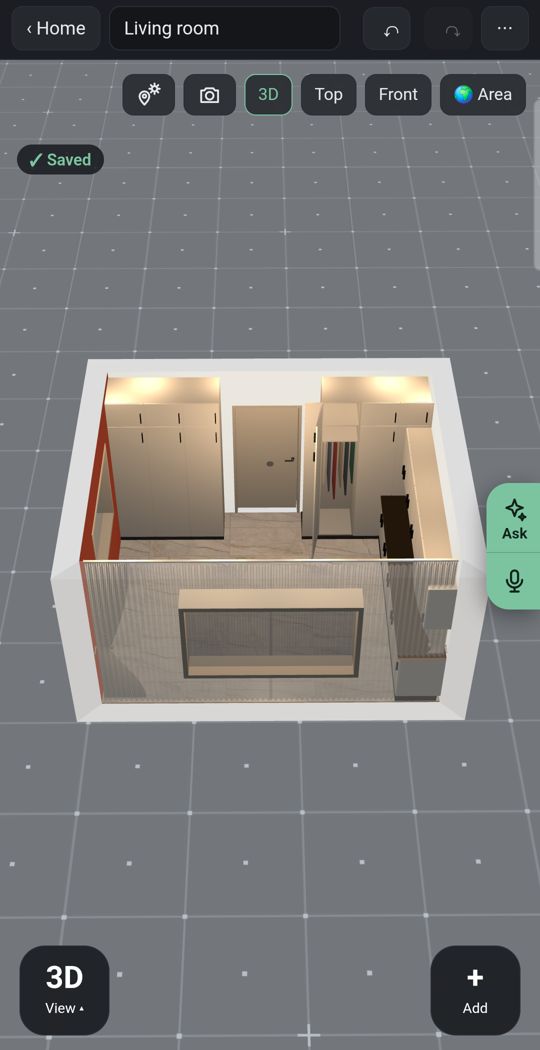
Lights
Add ceiling lights, lamps and LED strips to the scanned room and see it lit at night.
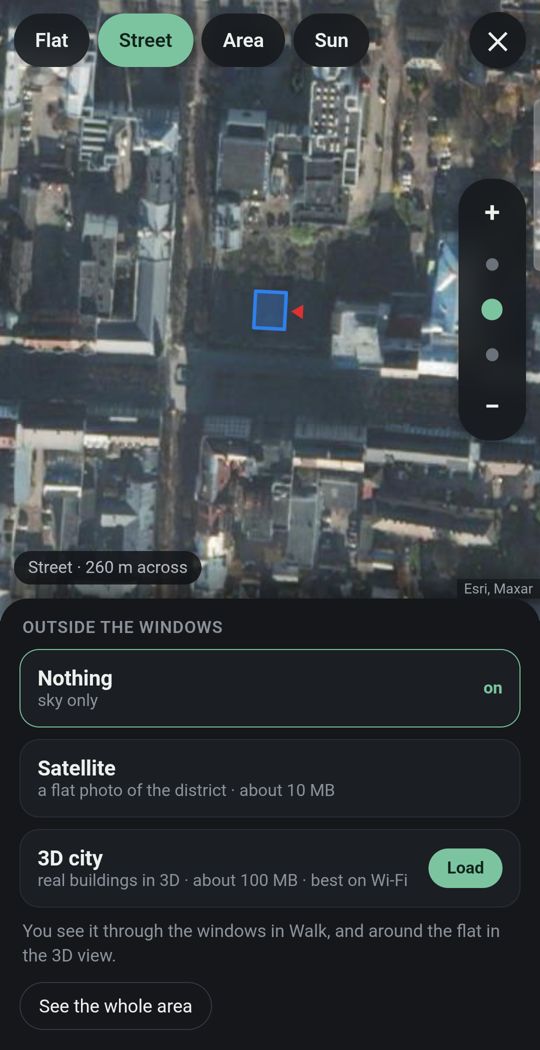
Your flat in its city
Give the address and the street and buildings around you appear in 3D where the map has them.
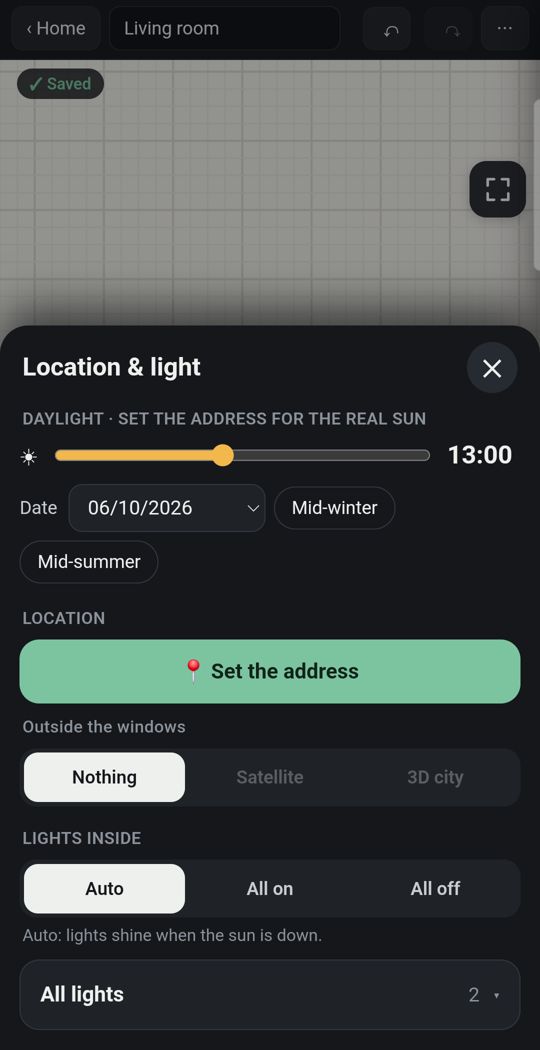
Sun for your address
Real sunlight through the windows you scanned, by date and hour.
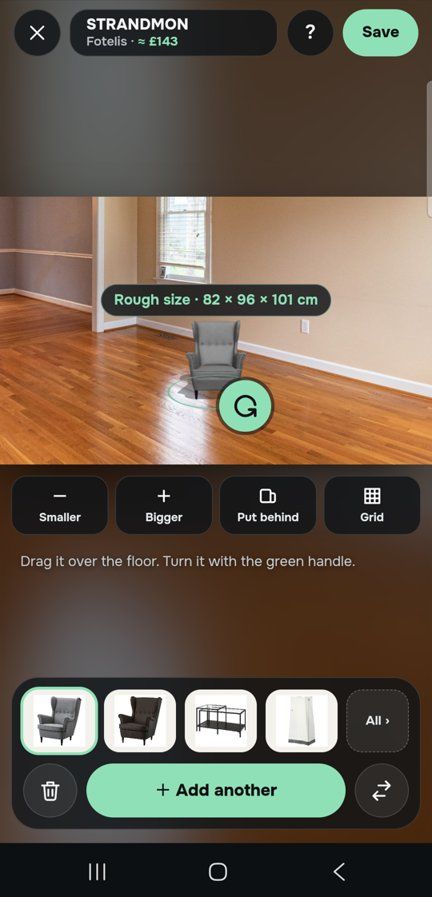
One piece, in your own room
Through the live camera or in a photo of the room, stand a sofa on your own floor at its true size before you buy.
Detail
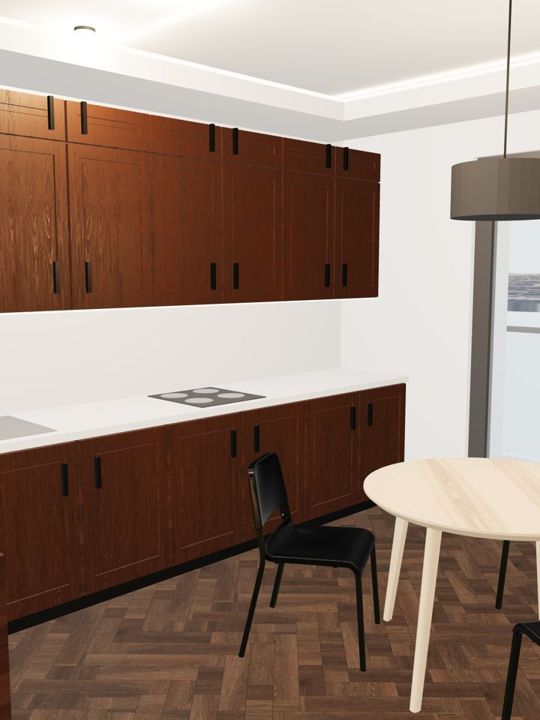
Dozens of door and window types, and kitchens, wardrobes and bathrooms built piece by piece.
Made for a thumb
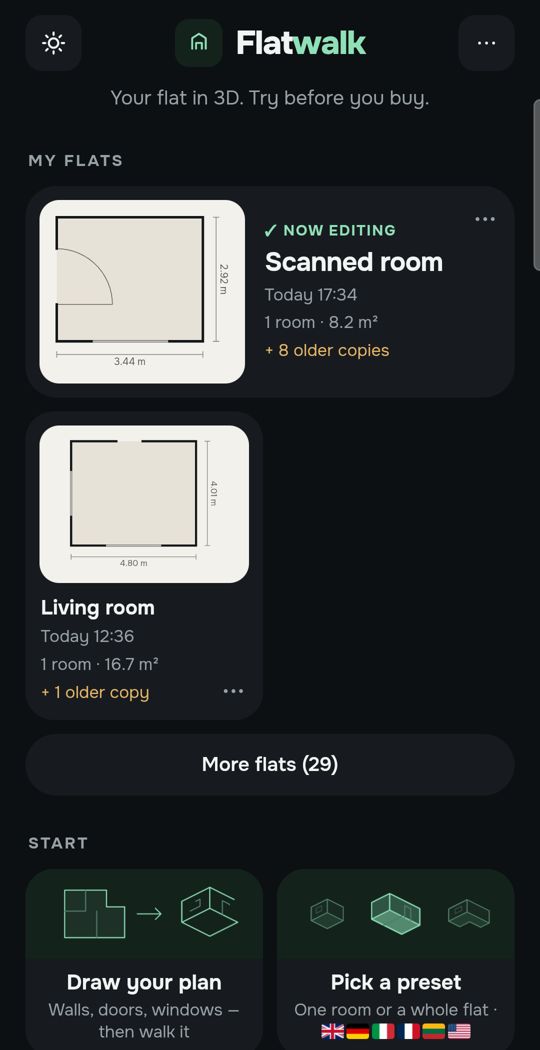
One big button to add a corner, and Undo for any step.
Swipe for more. Every picture is the app itself.
One flat, free
Most people plan one home. For that, Flatwalk costs nothing: no trial clock and no card. Scanning rooms, drawing, exact wall sizes, furniture, lights, sun and walking are all part of it, and each AI tool gives one free try. A membership is for people who want more flats or more AI.
Questions people ask
Can I scan a room on Android without LiDAR? Yes. Apps that use Google's AR services let you tap each floor corner through the camera, which gives the room's outline and wall lengths without a depth sensor.
How accurate is a phone room scan? Within a few centimetres when done slowly, in good light, about a metre from each corner. Check one wall with a tape measure.
Which Android phones support room scanning? Phones on Google's ARCore supported devices list, which includes most recent mid-range and flagship models.
Does a scan include doors and windows? In apps that offer it, yes: you aim at the edges of each frame. In Flatwalk you pick the type first, then measure it on the wall.
What if my phone is not supported? Draw the room by typing each wall's length from a tape measure, or start from a picture of the floor plan.
Flatwalk scans a room on an ordinary Android phone by tapping its corners, then lets you furnish it and walk through it, free for one flat. It is launching on Google Play; join the waiting list at flatwalk.app.
Join the waiting list