Short answer. magicplan is a mature, highly rated app for professionals: in its own words it is "trusted by restoration teams", and it turns scans into floor plans, reports and estimates for remodelling and insurance work. It is priced per project for businesses. Its help centre says its scan features need LiDAR, so they do not run on Android phones. Flatwalk is the newcomer, made for people planning their own home: it scans a room on an ordinary Android phone by its corners, then you furnish it with real shop pieces, add lights, see the sun for your address and walk through it, free for one flat. Pick magicplan if you measure homes for a living; pick Flatwalk to plan and walk your own flat.
Scan a room on AndroidMeasure a room with your phoneBest room planner apps for Android
Side by side
| Flatwalk | magicplan | |
|---|---|---|
| Made for | People planning their own flat | Remodelers, restoration and claims professionals |
| Works on | Android phone (iPhone later) | iPhone, iPad, Android; projects also in its cloud |
| Planning one flat | ✓ FreeDraw, scan, measure, furnish, light and walk | Limited2 free projects to start, with full features |
| Scan a room on Android | ✓ FreeTap the corners through the camera; no depth sensor needed | Not listedIts help centre says Android is not supported for scan features, for lack of LiDAR |
| Scan a room on iPhone | Not yet: Android first | LiDAR scan on iPhone 12 Pro or newer and iPad Pro |
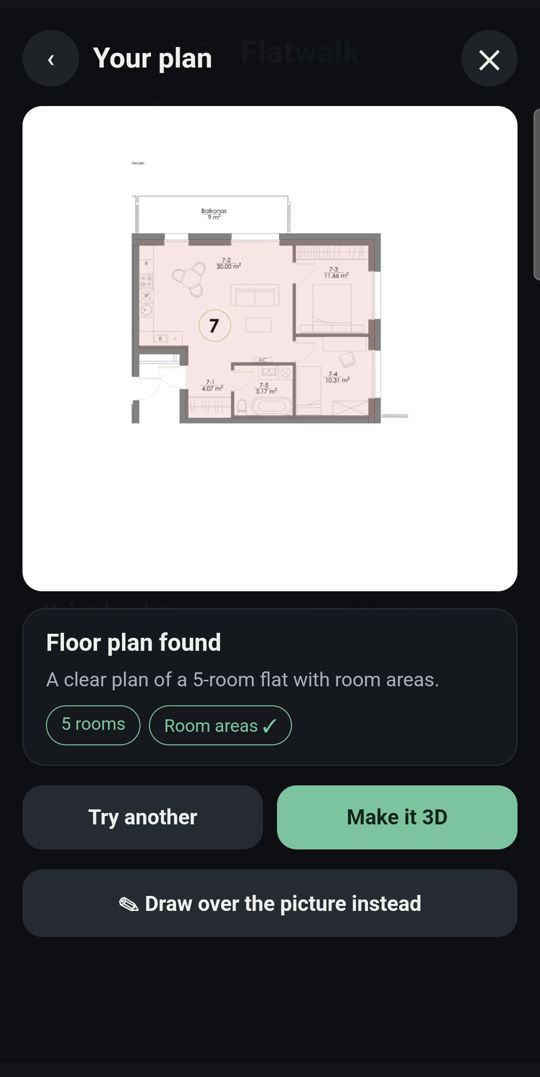
| Floor plan photo to 3D | ✓ 1 free tryRead from a photo of your plan | Not listedNot on the pages we read |
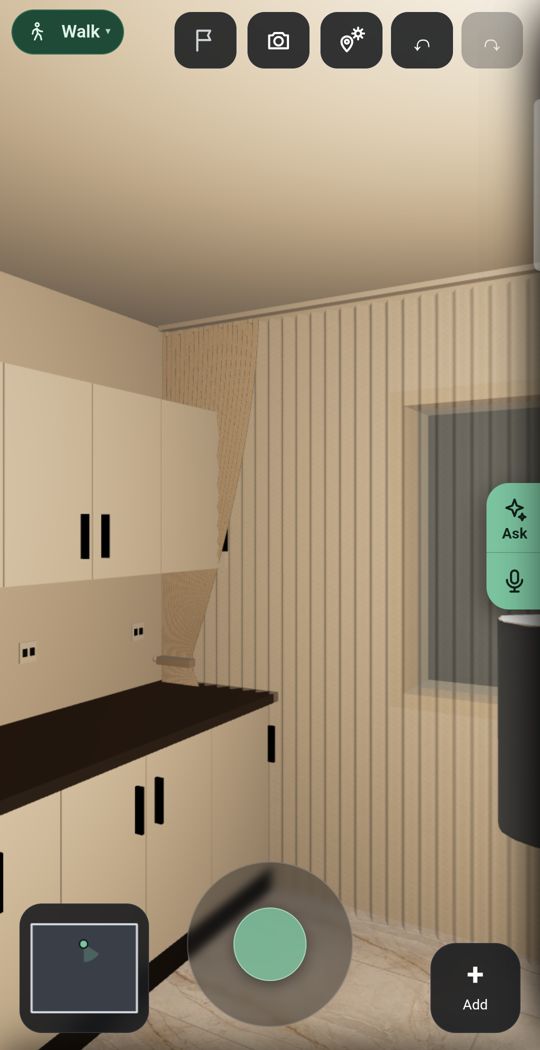
| Walk through at eye level | ✓ FreeEvery room, as often as you like | Not listedA 3D model you turn and zoom; no eye-level walk listed |
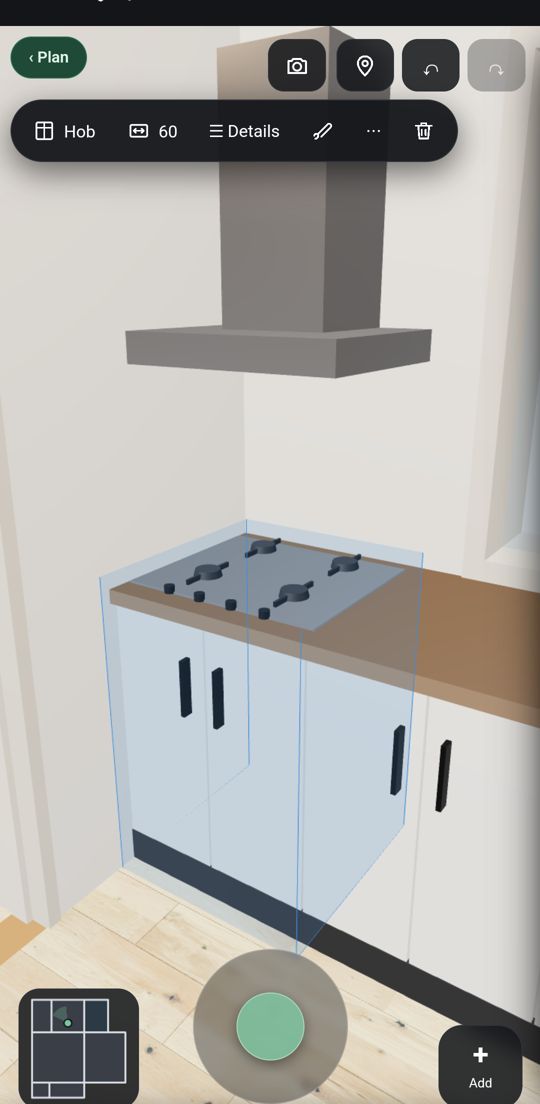
| Furniture | Real shop products at true size, with prices and buy links | A catalogue of objects (doors, windows, plumbing, appliances, furniture); no shop products listed |
| Lights and sun | ✓ FreeLights you add, and the sun for your address, date and hour | Not listedNot on the pages we read |
| Reports and estimates | A shopping list of the furniture you placed, with the total | PDF reports, estimates with your own prices, Xactimate integration |
| Exports | A link anyone can open to walk the flat, and a QR sticker | PDF, DXF, PNG, ESX, FML; 3D as OBJ, USDZ and IFC |
| If you want more | One membership with more flats and more of every AI tool | On its site, per project: from €14 a project (10 a month, 24-month plan) to €25 month to month; on the US App Store, Sketch Plan $12.99 a month or $129.99 a year |
| Reviews | New | 4.3 stars from about 128,000 reviews on Google Play; 4.7 from about 41,000 ratings on the US App Store |
magicplan's website prices are as shown from a UK computer on 20 October 2026, in euros; its US App Store sells plans named Sketch, Report and Estimate in dollars. Both may differ in your country.
What Flatwalk does that older planners skip
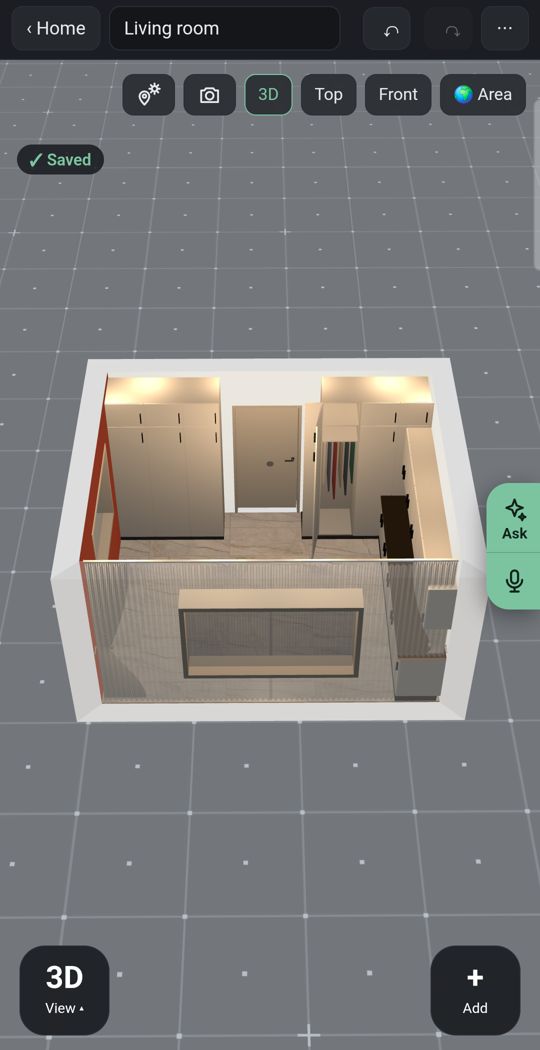
Lights
Add ceiling lights, lamps and LED strips and see the room lit, not only measured.
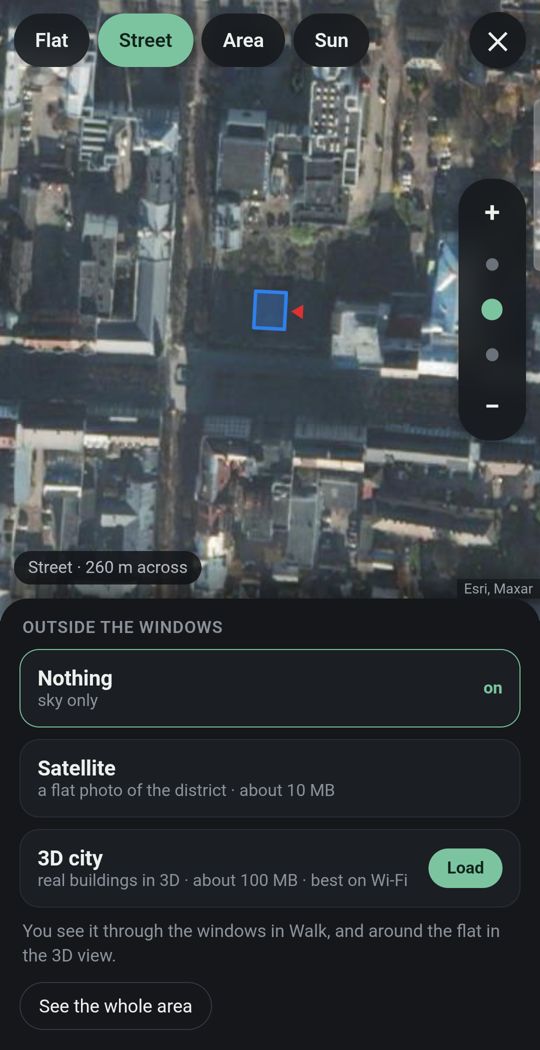
Your flat in its city
Give the address and the street and buildings around you appear in 3D where the map has them, so you see what is outside each window.
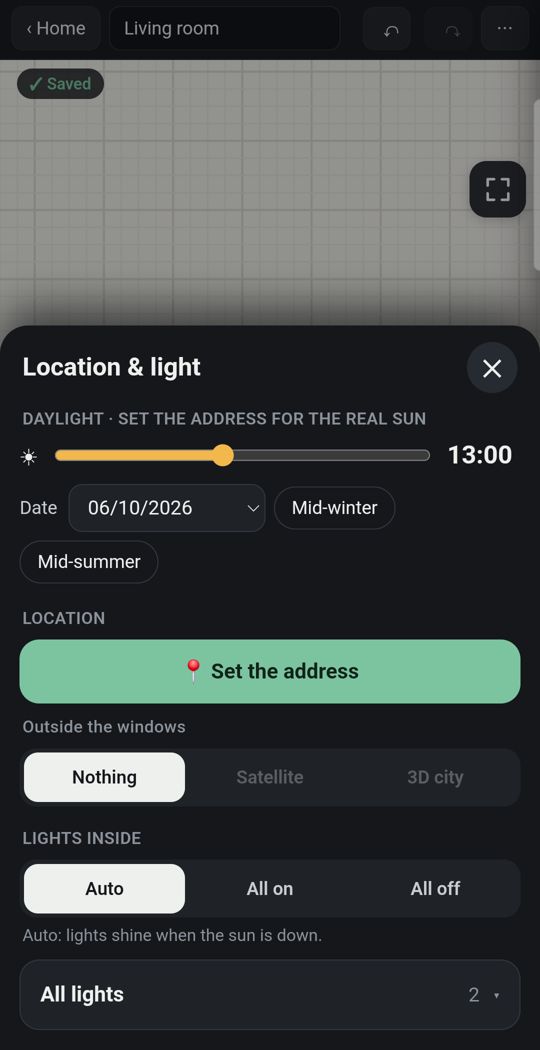
Sun for your address
The light falls where it really falls, by date and hour.
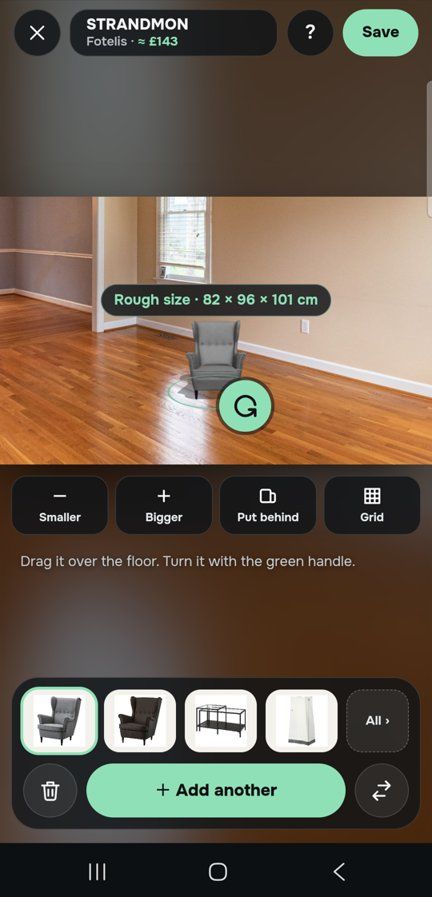
One piece, in your own room
Through the live camera or in a photo of the room, stand a sofa on your own floor at its true size before you buy it.
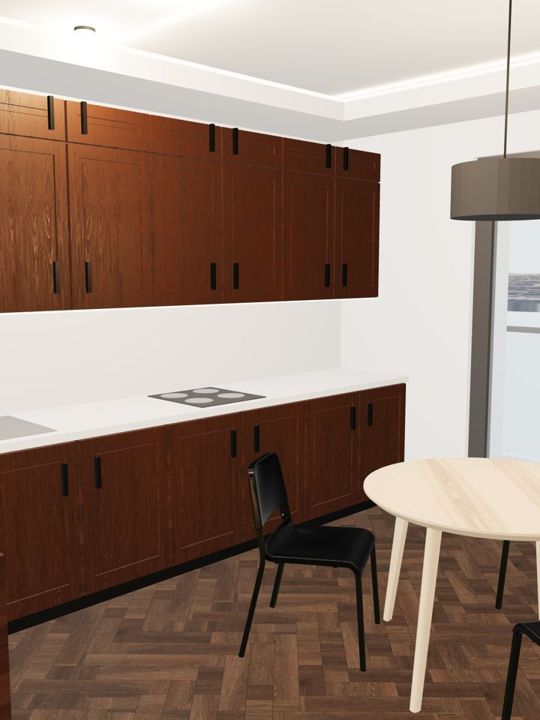
Detail
Dozens of door and window types, and kitchens, wardrobes and bathrooms built piece by piece, with real floors, tiles and paints.
Made for a thumb
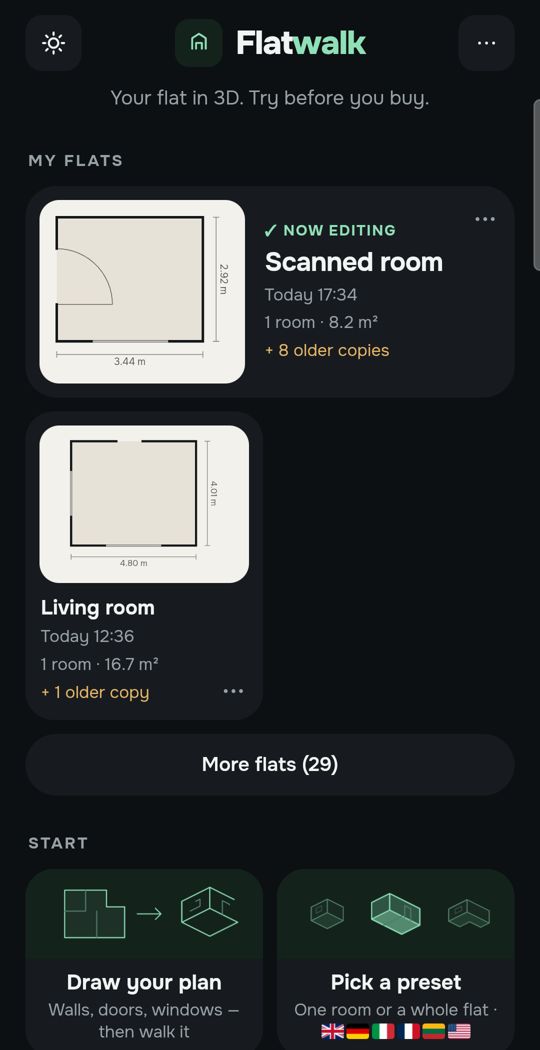
One big button to add a corner when you scan, and in the plan, tap a wall, a door or a sofa and the choices for that thing appear.
Swipe for more. Every picture is the app itself.
One flat, free
Most people plan one home. For that, Flatwalk costs nothing: no trial clock, no per-project fee and no card. Scan the rooms or draw the plan, measure, furnish, set the lights and the sun, and walk through it. Each AI tool gives one free try: a flat from a photo of your floor plan, an AI photo of a room, a piece of furniture made from a shop link. A membership is for people who want more flats or more AI, and it bundles all of it in one price.
Where magicplan is stronger
- It is built for professional work: reports, estimates with your own prices and taxes, customer signatures, team dashboards and Xactimate integration. Flatwalk has none of that.
- On an iPhone or iPad with LiDAR it scans a whole space in seconds, and it runs on iPhone and iPad. Flatwalk is Android only for now.
- It exports to the formats contractors use: PDF, DXF, ESX and FML, and 3D as OBJ, USDZ and IFC.
- It has over 10 million downloads and well over 100,000 reviews. Flatwalk is new.
Which should you choose?
- Choose Flatwalk if you have an Android phone and one real flat to plan, and you want to scan it, furnish it with real pieces, see it lit and in its own sun, and walk through it without paying.
- Choose magicplan if you measure homes for remodelling, restoration or insurance, need reports and estimates, or scan with an iPhone's LiDAR.
Questions people ask
Does magicplan scan rooms on Android? Its help centre says that, at this time, Android devices are not supported for its scan features, because they have no LiDAR. On Android you add rooms by other means, such as drawing them or defining corners.
Can I scan a room on an Android phone without LiDAR? Yes. Flatwalk uses the phone's camera and Google's AR services: you tap each corner where the floor meets the walls, and the room comes out with every wall's length. The founder's own test scans put corners within about 1 to 4 cm.
Is magicplan free? Its pricing page gives 2 free projects to start, with full features. After that it is priced per project on its site, and its App Store listing sells monthly and yearly plans.
Is Flatwalk free? Yes, for planning one flat: every ordinary tool, with no trial clock, and one free try of each AI tool. Memberships add more flats and more AI.
Can I furnish my flat in magicplan? It has a catalogue of objects, furniture among them, for plans and reports. Flatwalk uses real pieces from real shops at their true size, with prices and links.
Can I use Flatwalk on an iPhone? Not yet. The Android app comes first.
Flatwalk is launching on Google Play. Join the waiting list at flatwalk.app.
Join the waiting list