Short answer. There are three ways. Point your phone's camera at the room and the piece appears on your floor at its real size. Put it into a photo of the room when you are somewhere else. Or place it in a 3D plan of the whole flat, which shows the route in and everything around it. Each answers a different question; the best check uses two.
Will my sofa fit?Room planner with real furnitureIKEA planner alternative
The three ways, compared
| Way | What it is good at | What it misses | Where you need to be |
|---|---|---|---|
| Through the camera | Size and feel, standing in the real room | The rest of the flat; how it looks at night | In the room |
| In a photo | Seeing it in your real room, from one view | Other angles; size depends on one length you give | Anywhere, with a photo |
| In a plan of the whole flat | Layout, walkways, doors, the way in, light and sun | The exact colour of your walls today | Anywhere |
Way 1: through the camera
This is augmented reality (AR): the app finds the floor and the piece stays where you put it as you walk round. Light the room well, sweep the phone slowly over the floor first, and check the label says real size, because one pinch resizes it. Look from the door and from where you will sit. It needs a phone with Google's camera-and-motion services, as most recent mid-range and flagship Android phones have.
Way 2: in a photo
For when you are in a shop or the room is still full. Take the photo from a corner or the doorway at chest height, phone level, in daylight, with the floor and one known length (a door, a measured wall) in view. In Flatwalk's "In a photo" you tap where the floor meets the walls and type one length; furniture then stands on that floor at real size, even behind a table you tap round. Your taps set the floor, not AI, and the photo stays on your phone; with no known length the label says the size is rough.
Way 3: in a plan of the whole flat
The camera and the photo show one room from one place. A plan shows whether 90 cm (36 in) is left to walk past, whether the door still opens, whether the sofa makes it down the hall, and the room with lamps at night or sun at four o'clock. Draw the flat, upload a plan picture, scan rooms or start from a typical layout, then walk through at eye level.
Which should you use?
- Two sofas in a shop: a photo of your room.
- A big piece before ordering: the camera in the room, then the whole flat for the way in.
- A whole room or flat: the plan first, then the camera for the doubtful piece.
Common mistakes
- Resizing by accident, and judging colour on screen: order a sample.
- Looking only from above, or forgetting the piece's depth.
- Trying a "similar" piece instead of the real model with its shop sizes.
What Flatwalk does that older planners skip
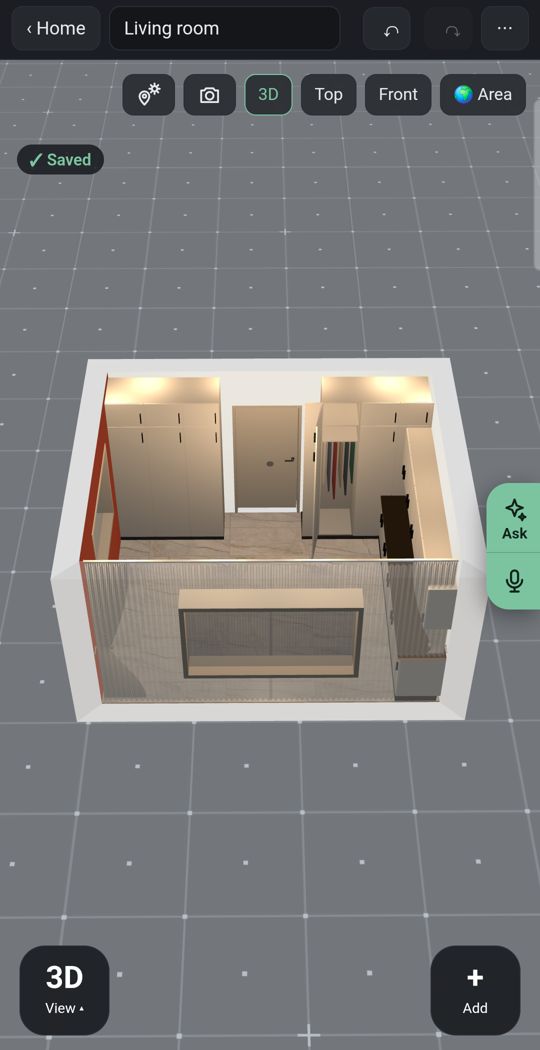
Lights
Add ceiling lights, lamps and LED strips and see the new piece in the evening, not only by day.
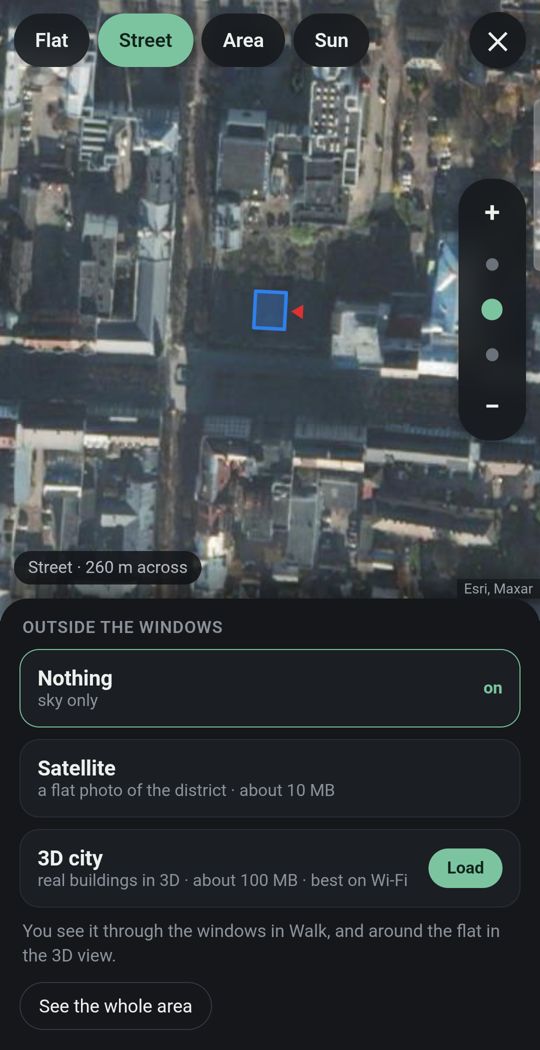
Your flat in its city
Give the address and the street and buildings around you appear in 3D where the map has them.
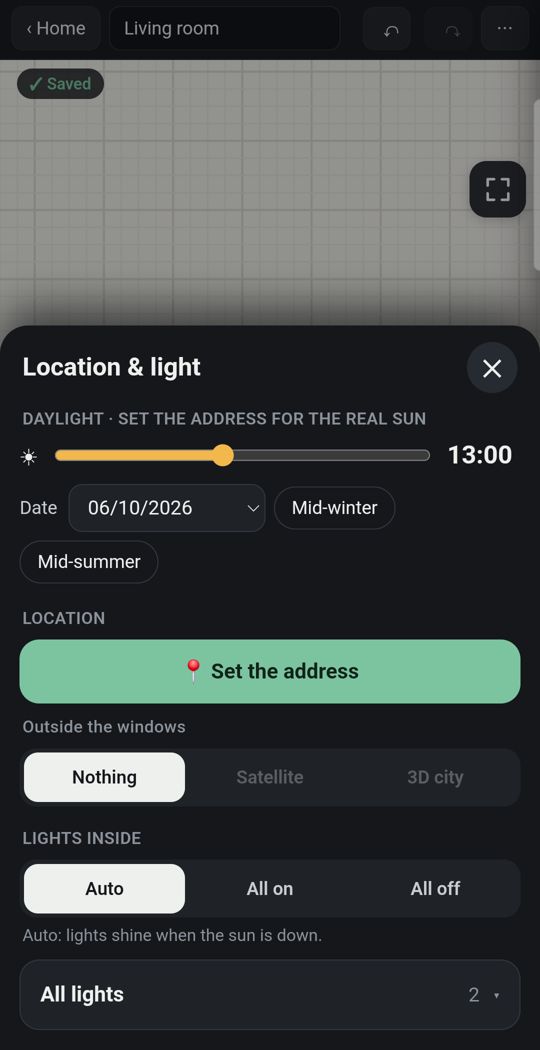
Sun for your address
See where the sun falls on the new piece by date and hour.
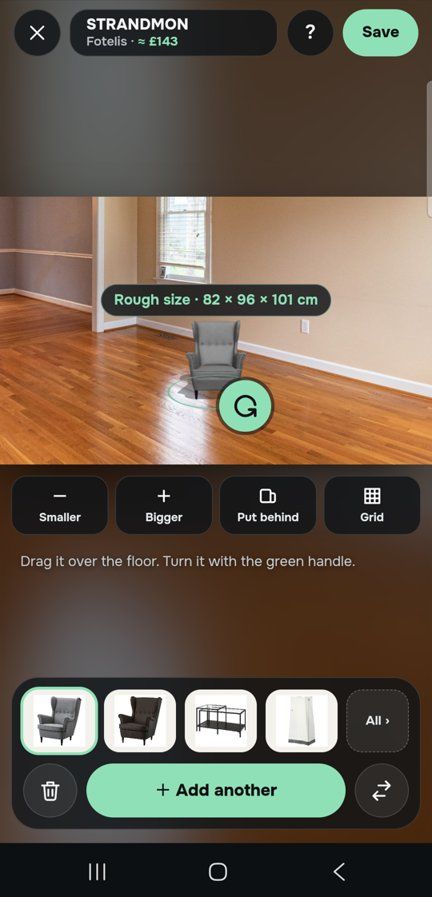
One piece, in your own room
Through the live camera or in a photo of the room, stand a sofa on your own floor at its true size; pictures and shelves stick to the wall.
Detail
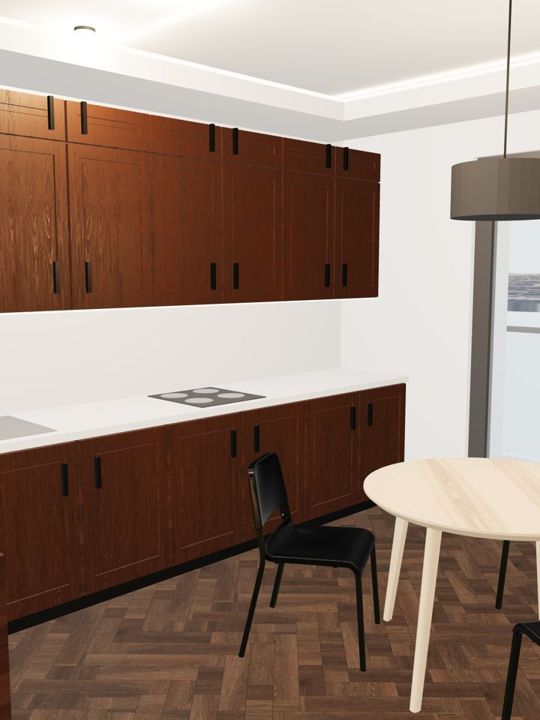
Kitchens, wardrobes and bathrooms built piece by piece, so new furniture meets what is really there.
Made for a thumb
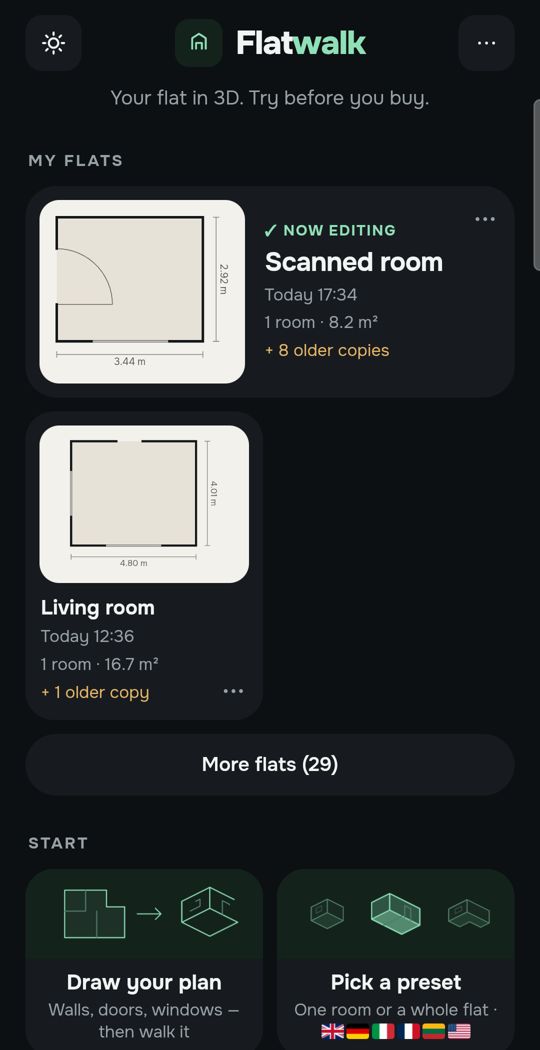
One finger moves a piece, a tap on its handle turns it.
Swipe for more. Every picture is the app itself.
One flat, free
Most people plan one home. For that, Flatwalk costs nothing: no trial clock and no card. The camera, the photo, the whole flat, furniture at its true size, lights, sun and walking are all part of it, and each AI tool gives one free try. A membership is for people who want more flats or more AI.
Questions people ask
Is there an app to see furniture in my room? Yes, several. Some show pieces through the phone's camera, some put them into a photo of your room, and some let you place them in a 3D plan of your flat. Flatwalk does all three, with real shop pieces at their true size.
How accurate is the size when I see furniture through the camera? Close to real when the app shows the piece at its real size and has found the floor well. Check with a tape measure before ordering anything large.
Can I try furniture in a photo of my room? Yes. Take a level photo with the floor visible and give the app one real length, such as a door's width, so it can set the scale.
Do I need a special phone? For the camera view, a phone that supports Google's camera-and-motion services, as most recent Android phones do. Photos and plans work on any phone that runs the app.
Flatwalk shows real furniture from real shops in your own room, in a photo of it or in a 3D plan of your flat, at its true size, free for one flat. It is launching on Google Play; join the waiting list at flatwalk.app.
Join the waiting list