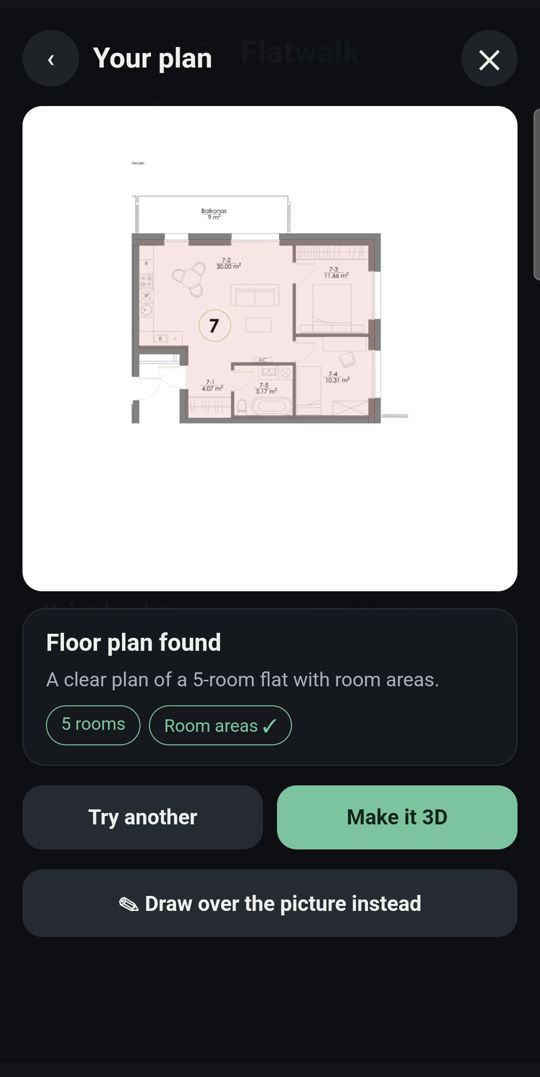
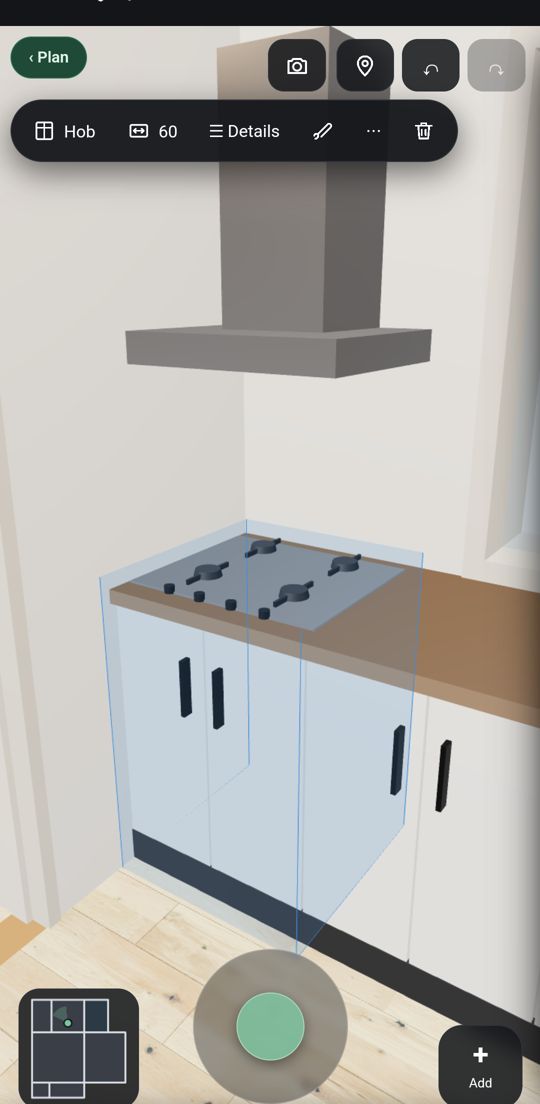
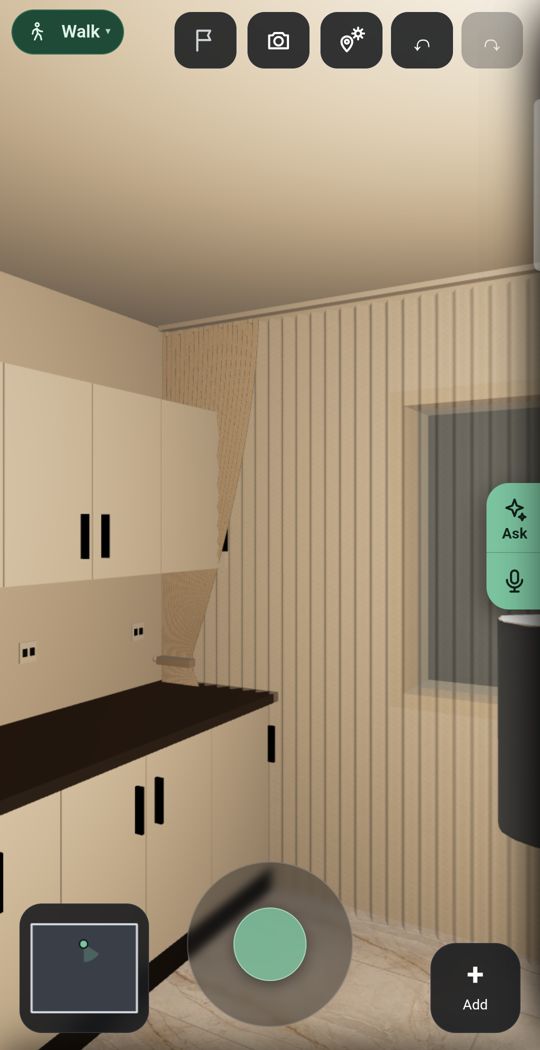
Short answer. SketchUp is a professional 3D modelling program, with plans for design and construction work and a free version in the browser. You can walk through a model at eye height and cast real shadows for a place, date and time, but you model the flat yourself, on a computer or an iPad. It is the better choice if you want full control over every shape and are ready to learn a modelling tool. Flatwalk is made for planning a real flat on an Android phone without modelling: read a photo of your plan or scan the rooms, furnish them with real shop pieces at true size, add lights and the sun for your address, and walk through, free for one flat.
Flatwalk vs Sweet Home 3DFlatwalk vs CoohomHow to turn a floor plan into 3D
Side by side
| Flatwalk | SketchUp | |
|---|---|---|
| Made for | People planning their own flat, on the phone | 3D modelling for design and construction professionals |
| Works on | Android phone (iPhone later) | A web browser, iPad and desktop computers; Studio is Windows only |
| On an Android phone | ✓ FreeMade for it | Not listedNo Android app on its plans page; its mobile viewer is for web and iOS |
| Planning one flat | ✓ FreeDraw, scan, measure, furnish, light and walk | ✓ FreeSketchUp Free in the browser: the core modeller, 10 GB of cloud storage and 3D Warehouse |
| How you build the flat | Rooms, walls, doors and windows, ready to place | You model the flat in 3D yourself; premade furnishings and materials come with Go |
| Floor plan photo to 3D | ✓ 1 free tryRead from a photo of your plan | Not listedNot on the pages we read; SketchUp Free imports JPG and PNG images |
| Scan a room with the camera | ✓ FreeOn Android, by tapping the corners; no depth sensor needed | Not listedNo camera scan on the pages we read; point cloud import on Pro Scan, Studio and Pro Advanced Workflows |
| Walk through at eye height | ✓ FreeEvery room, as often as you like | Position Camera, Look Around and Walk tools, at an eye height you set |
| Furniture | Real shop products at true size, with prices and buy links | 3D Warehouse: models made by users and by manufacturers; no shop prices listed |
| Lights | ✓ FreeCeiling lights, lamps and LED strips, seen lit | Photorealistic visuals and rendered animations listed on Studio |
| Sun | ✓ FreeFor your address, date and hour | Real-world shadows for a geolocated model, by time and date |
| One piece in your room | ✓ FreeThrough the live camera or in a photo of the room | Not listedNot on the pages we read |
| If you want more | One membership with more flats and more of every AI tool | Go $10.75, Pro $33.25, Studio $71.58 a month per user, billed annually |
SketchUp's prices are as its plans page showed them from a UK computer on 21 October 2026, in US dollars per month, billed annually, before tax and VAT. They may differ in your country.
What Flatwalk does that older planners skip
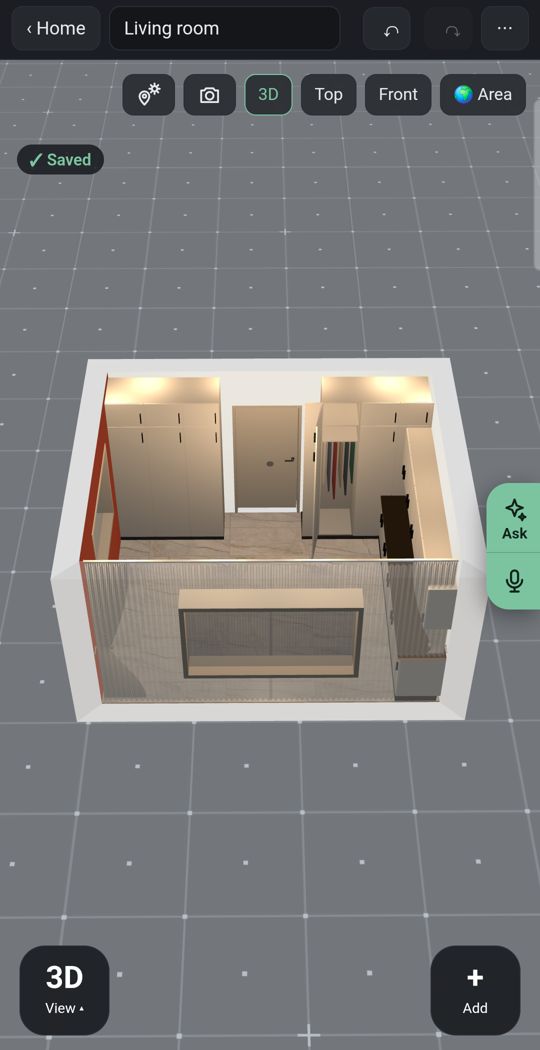
Lights
Add ceiling lights, lamps and LED strips and see the room lit as you walk through it.
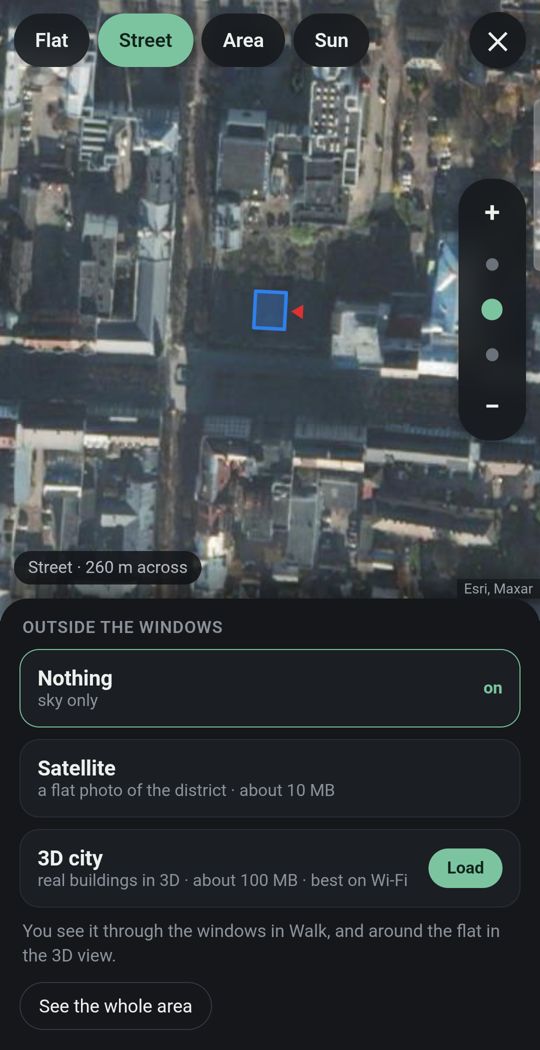
Your flat in its city
Give the address and the street and buildings around you appear in 3D where the map has them, so you see what is outside each window.
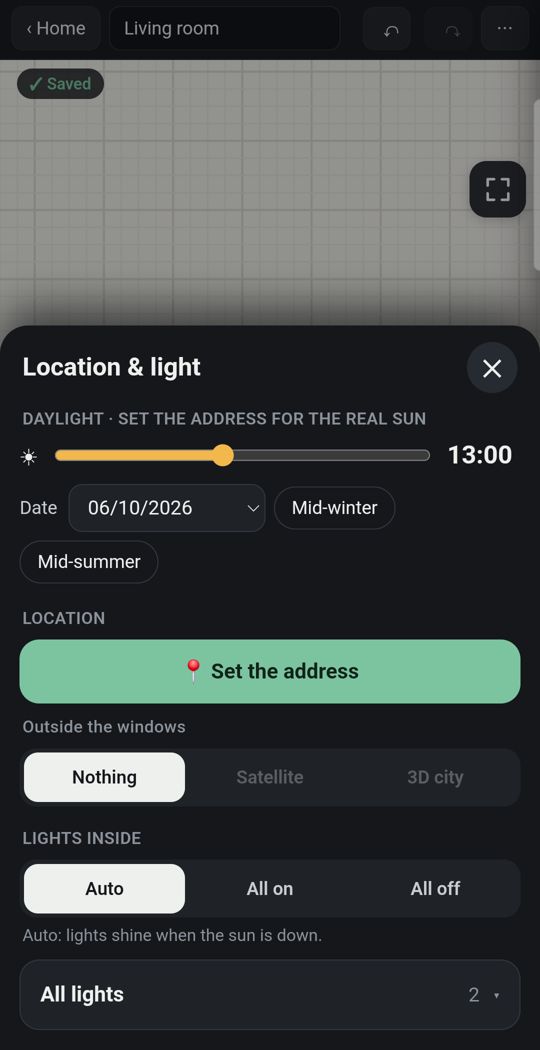
Sun for your address
The light falls where it really falls, by date and hour, with nothing to geolocate by hand.
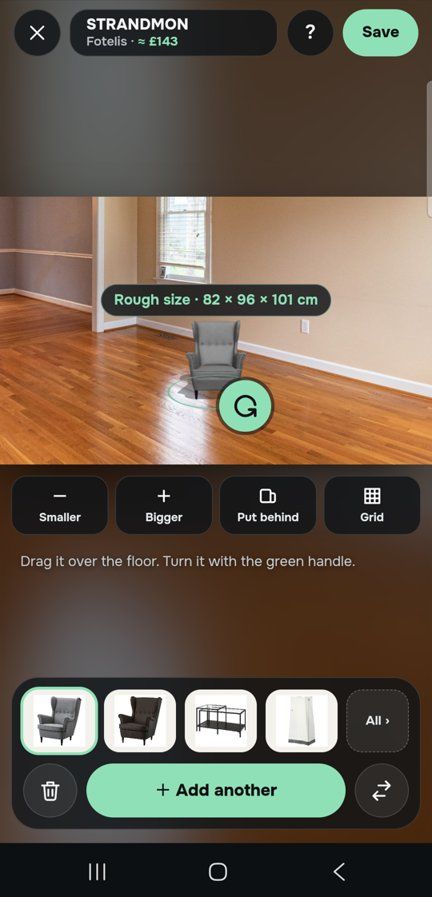
One piece, in your own room
Through the live camera or in a photo of the room, stand a sofa on your own floor at its true size before you buy it.
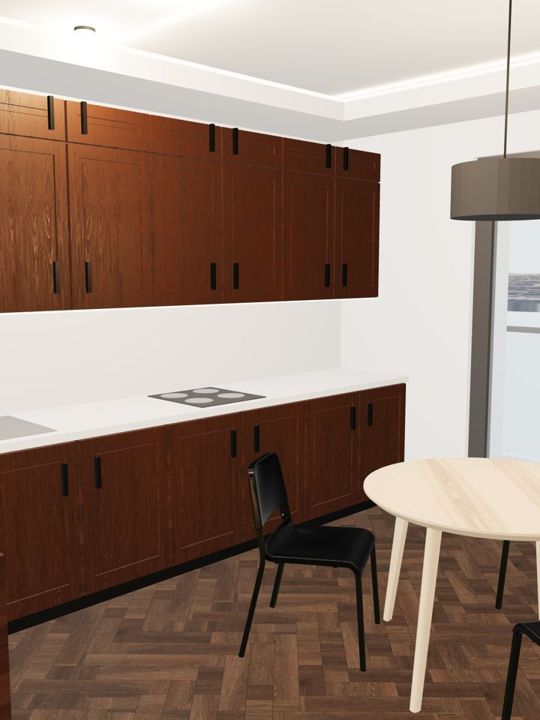
Detail
Dozens of door and window types, and kitchens, wardrobes and bathrooms built piece by piece, with real floors, tiles and paints, ready to place rather than modelled from scratch.
Made for a thumb
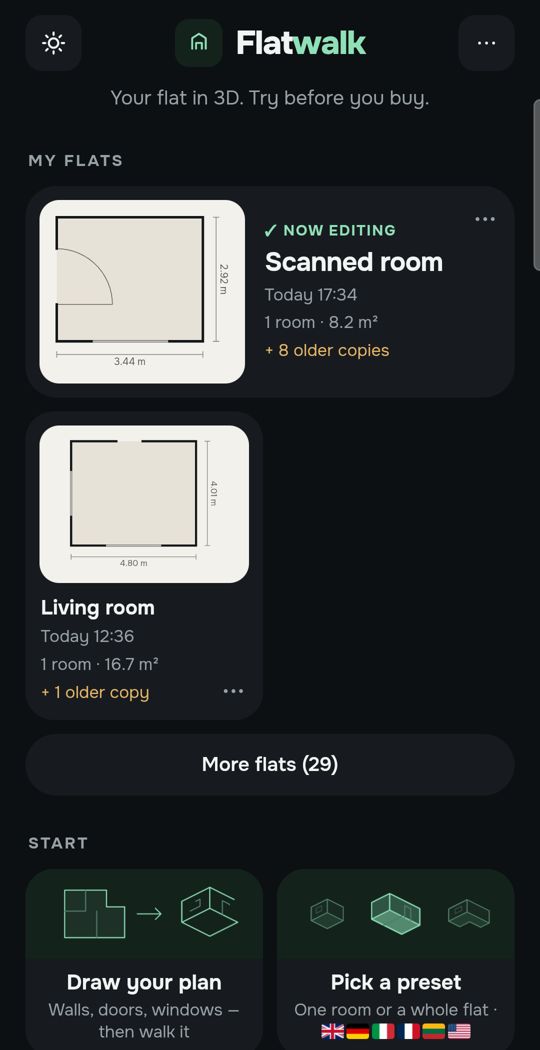
Tap a wall, a door or a sofa and the choices for that thing appear. It is a phone app first, not a modelling program.
Swipe for more. Every picture is the app itself.
One flat, free
Most people plan one home. For that, Flatwalk costs nothing: no trial clock, no modelling to learn and no card. Draw the plan or scan the rooms, measure, furnish with real pieces from real shops, set the lights and the sun, and walk through it as often as you like. Each AI tool gives one free try: a flat from a photo of your floor plan, an AI photo of a room, a piece of furniture made from a shop link. A membership is for people who want more flats or more AI, and it bundles all of it in one price.
Where SketchUp is stronger
- You model exactly what you want, down to bespoke furniture and a whole building. Flatwalk plans flats with ready pieces.
- On its paid plans it makes 2D documentation with LayOut, works with IFC and DWG files and has 1000+ extensions.
- Its walk tools and real-world shadows work on any model you build, and Studio exports rendered animations and 360 degree panoramas.
- It works in a browser, on an iPad and on desktop computers. Flatwalk is an Android phone app for now, and new.
Which should you choose?
- Choose Flatwalk if you have an Android phone and one real flat to plan, and you want to furnish it with real pieces, see it lit and in its own sun and street, and walk through it without learning a modelling program or paying.
- Choose SketchUp if you want to model every detail yourself, design bespoke furniture, work on a computer or an iPad, or need drawings for builders.
Questions people ask
Is SketchUp free? There is a free version, SketchUp Free, that runs in a web browser with the core modeller, 10 GB of cloud storage and 3D Warehouse. The paid plans start at Go, $10.75 a month per user billed annually, for the web and iPad.
Is SketchUp good for interior design? It can be: you model the rooms and any furniture you like, and fill them from 3D Warehouse, where manufacturers publish models too. You build the flat yourself, though, rather than reading it from a plan or a scan.
Can I walk through my flat in SketchUp? Yes. Its help centre describes Position Camera, Look Around and Walk tools that move through the model at an eye height you choose. In Flatwalk, walking at eye level is the main way of looking at your flat.
Is there a SketchUp app for Android? Not on its plans page, which lists the web, iPad and desktop, and a mobile viewer for web and iOS.
Is Flatwalk free? Yes, for planning one flat: every ordinary tool, with no trial clock, and one free try of each AI tool. Memberships add more flats and more AI.
Flatwalk is launching on Google Play. Join the waiting list at flatwalk.app.
Join the waiting list