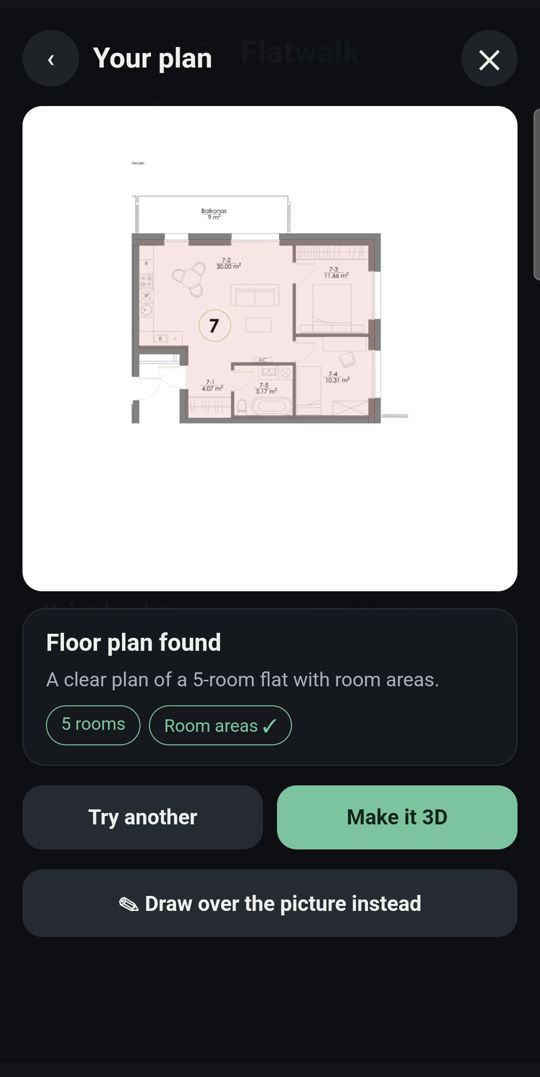
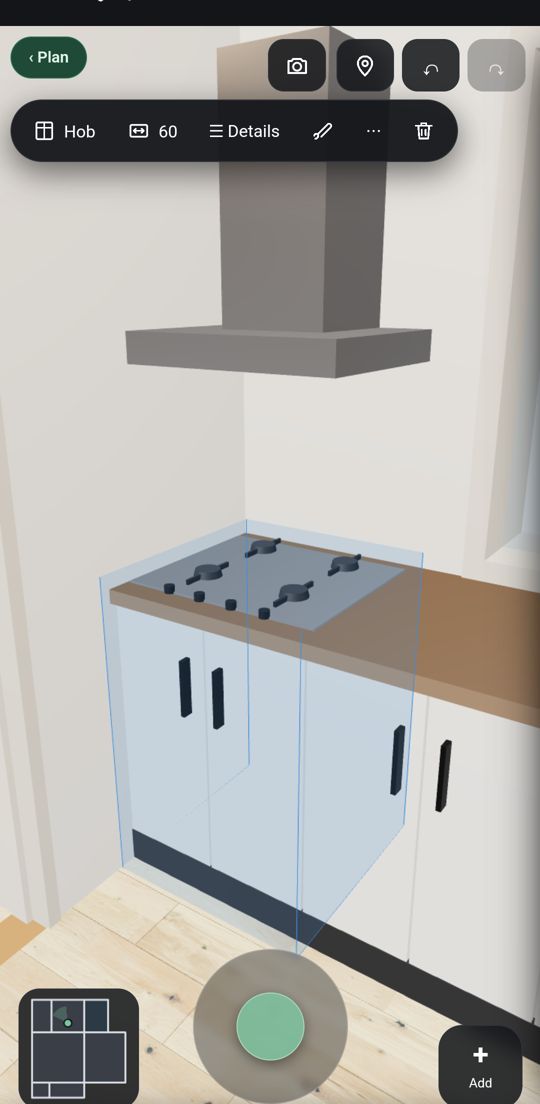
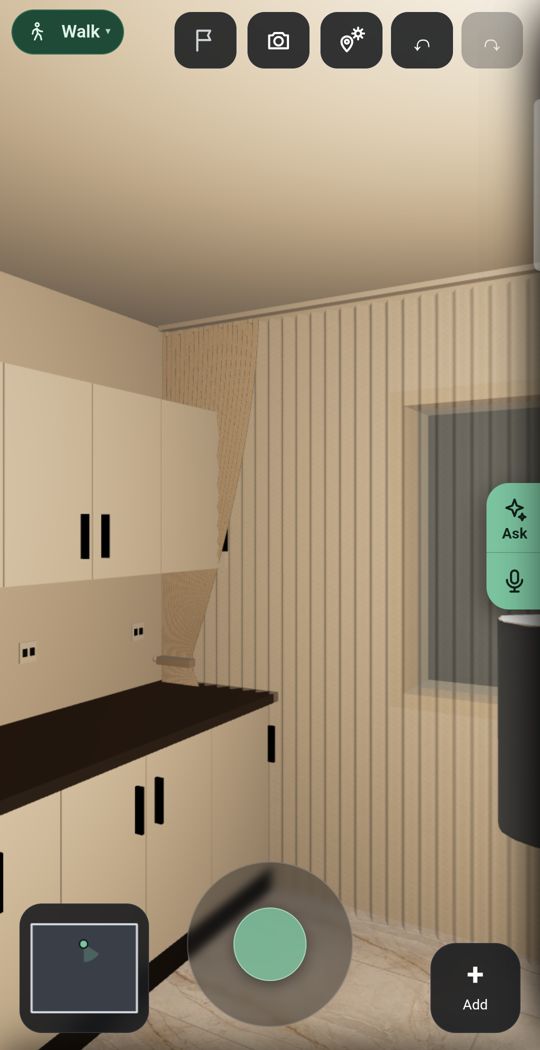
Short answer. If you plan on a computer and want free, open source software that works offline, Sweet Home 3D is the better choice: it runs on Windows, macOS and Linux and in a browser, draws precise plans and lets you walk through them as a virtual visitor. If you plan on an Android phone and want your real flat with real furniture, Flatwalk is the better choice: it reads a photo of your floor plan or scans the rooms by their corners, furnishes them with real shop pieces at true size, adds lights and the sun for your address, and lets you walk through at eye level, free for one flat.
Planner 5D alternatives in 2026Flatwalk vs Live Home 3DHow to turn a floor plan into 3D
Side by side
| Flatwalk | Sweet Home 3D | |
|---|---|---|
| Made for | The phone: tap a thing and its choices appear | The computer: a desktop program, also in a browser |
| Works on | Android phone (iPhone later) | Windows, macOS, Linux and any WebGL browser; mobile apps for iOS and Android |
| Price on a computer | Not on computers yet | ✓ FreeFree and open source under the GNU GPL; paid versions in the Microsoft Store and Mac App Store with bigger libraries |
| Planning one flat | ✓ FreeDraw, scan, measure, furnish, light and walk | ✓ FreeDraw walls, add doors, windows and furniture, view in 2D and 3D |
| Floor plan photo to 3D | ✓ 1 free tryRead from a photo of your plan | Import a blueprint image and draw the walls over it yourself |
| Scan a room with the camera | ✓ FreeTap the corners through the camera; no depth sensor needed | Not listedNot on the pages we read |
| Walk through at eye level | ✓ FreeEvery room, as often as you like | ✓ Free"Virtual visitor" view while you design, on the desktop version |
| Furniture | Real shop products at true size, with prices and buy links | A catalogue you can extend with your own 3D models; 10,836 pieces in the paid Windows version, 100 in the free one |
| Lights | ✓ FreeCeiling lights, lamps and LED strips, seen lit | Lights you can set for photorealistic images and videos |
| Sun | ✓ FreeFor your address, date and hour | Sunlight by time of day and geographic location, for photorealistic images and videos |
| Your street outside | ✓ FreeStreet and buildings in 3D where the map has them | Not listedNot on the pages we read |
| One piece in your room | ✓ FreeThrough the live camera or in a photo of the room | Not listedNot on the pages we read |
| On an Android phone | ✓ FreeMade for it | PaidIts Google Play app is free to install, with weekly or yearly subscriptions for premium features |
| Reviews | New | Its Android app: 3.6 stars from about 2,700 reviews on Google Play in the UK |
Sweet Home 3D's own pages show no prices. Its iOS app lists weekly premium subscriptions from $2.99 to $4.99 and yearly ones from $29.99 to $59.99 on the US App Store on 21 October 2026. Prices may differ in your country.
What Flatwalk does that older planners skip
Lights
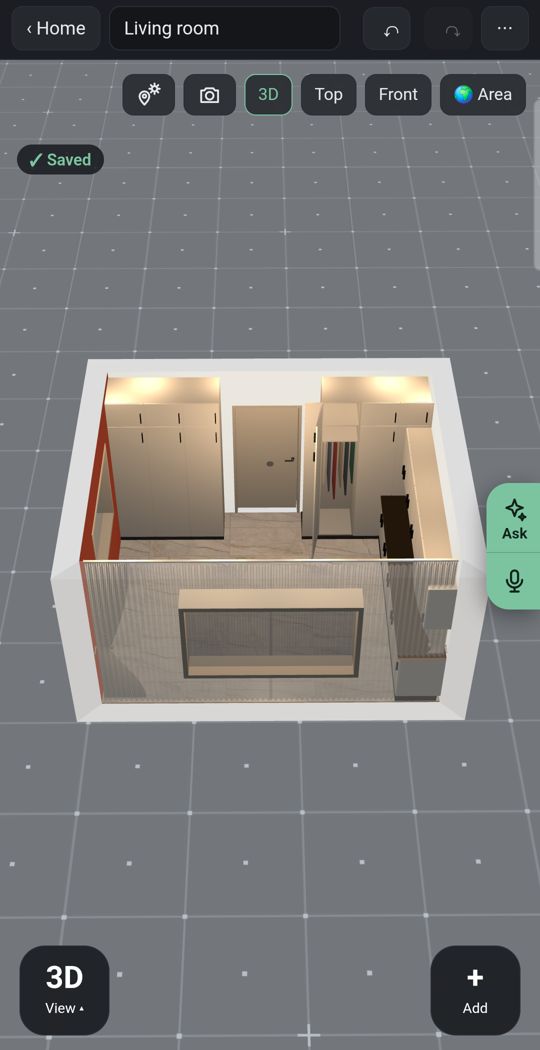
Add ceiling lights, lamps and LED strips and see the room lit as you walk through it, not only in a rendered picture.
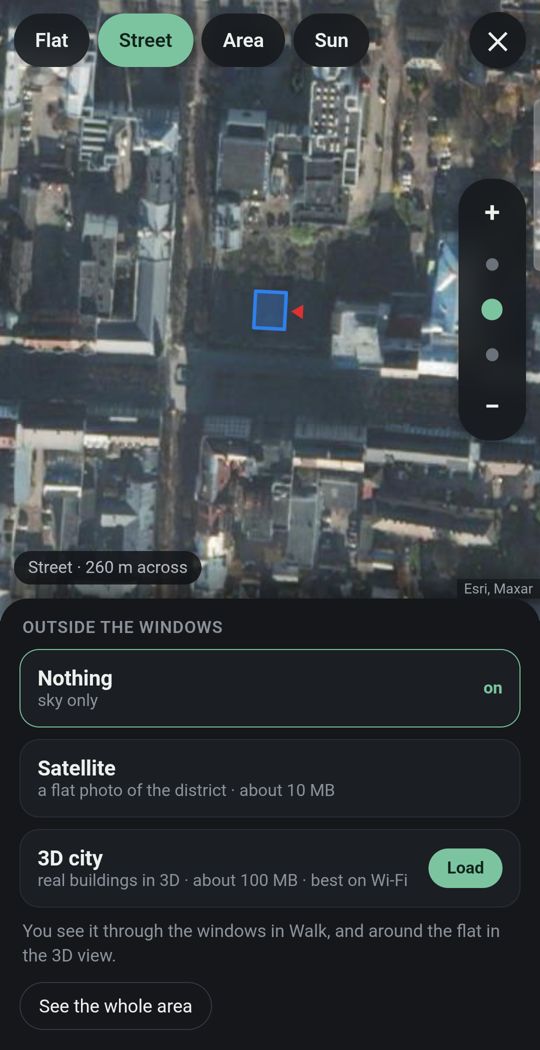
Your flat in its city
Give the address and the street and buildings around you appear in 3D where the map has them, so you see what is outside each window.
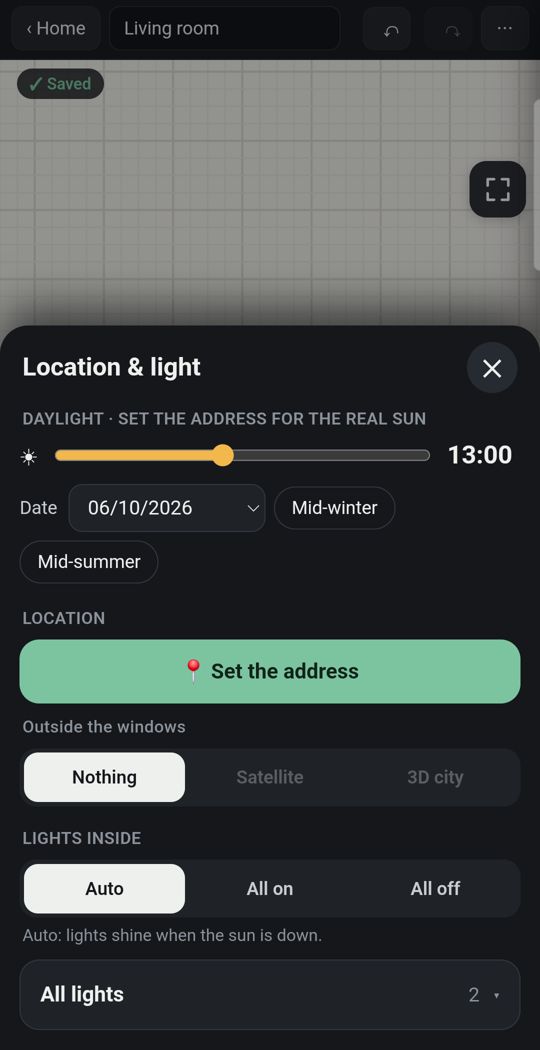
Sun for your address
The light falls where it really falls, by date and hour, while you walk.
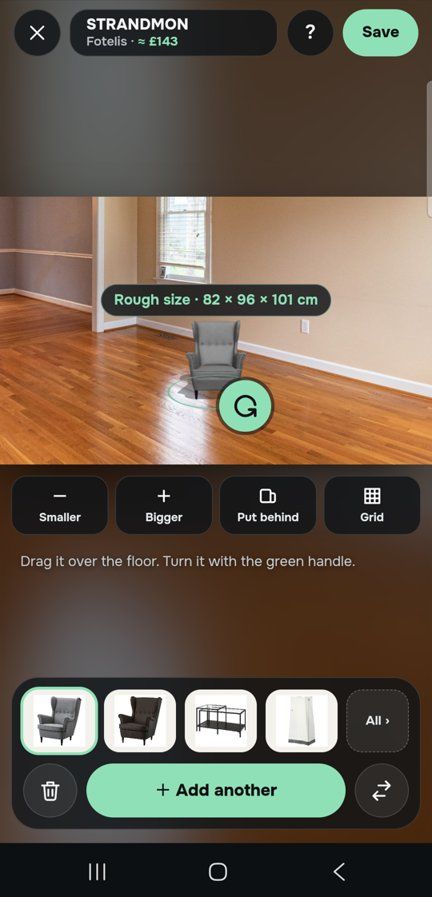
One piece, in your own room
Through the live camera or in a photo of the room, stand a sofa on your own floor at its true size before you buy it.
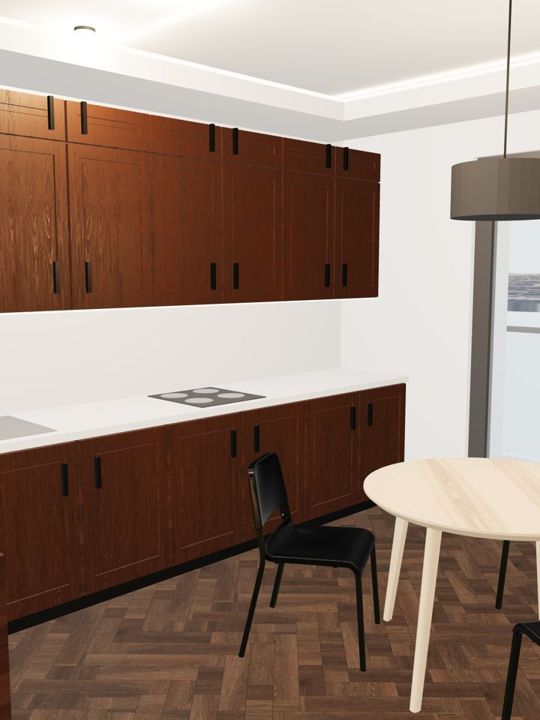
Detail
Dozens of door and window types, and kitchens, wardrobes and bathrooms built piece by piece, with real floors, tiles and paints.
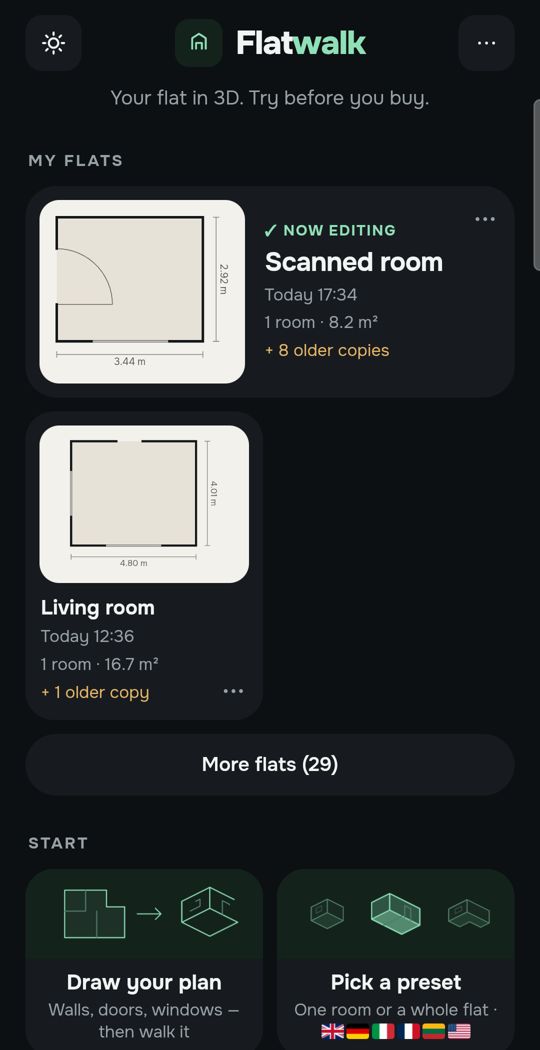
Made for a thumb
Tap a wall, a door or a sofa and the choices for that thing appear. It is a phone app first, not a desktop program made smaller.
Swipe for more. Every picture is the app itself.
One flat, free
Most people plan one home. For that, Flatwalk costs nothing: no trial clock, no subscription and no card. Draw the plan or scan the rooms, measure, furnish with real pieces from real shops, set the lights and the sun, and walk through it as often as you like. Each AI tool gives one free try: a flat from a photo of your floor plan, an AI photo of a room, a piece of furniture made from a shop link. A membership is for people who want more flats or more AI, and it bundles all of it in one price.
Where Sweet Home 3D is stronger
- It is free and open source on a computer, works offline, and runs on Windows, macOS and Linux. Flatwalk is an Android phone app for now.
- It is a precise drawing tool: straight, round or sloping walls, dimension lines, room areas, texts and a compass rose, with prints and exports to PDF, images, videos and 3D files.
- You can import your own 3D models and textures, and extend it with plug-ins.
- It is available in 29 languages and has a long track record. Flatwalk is new.
Which should you choose?
- Choose Flatwalk if you have an Android phone and one real flat to plan, and you want to furnish it with real pieces, see it lit and in its own sun and street, and walk through it without paying.
- Choose Sweet Home 3D if you plan on a computer, want free open source software that works offline, or need a precise plan to print.
Questions people ask
Is Sweet Home 3D free? On a computer, yes: its site calls it a free interior design application, open source under the GNU General Public License. The Microsoft Store and Mac App Store versions are paid and come with bigger furniture libraries. Its mobile app listings sell weekly or yearly subscriptions for premium features.
Is there a Sweet Home 3D app for Android? Yes. Its home page links to a Google Play app, published by AI Photo Editor Lab srl, that is free to install with subscriptions. Its listing describes 2D and 3D views and "+800" furniture pieces.
Can I walk through my flat in Sweet Home 3D? Yes. Its features page says you can view the home in 3D from above or move through it from a virtual visitor's point of view. In Flatwalk, walking at eye level is the main way of looking at your flat.
Does Sweet Home 3D show the sun for my address? Its features page says you can control sunlight by time of day and geographic location when you create photorealistic images and videos. Flatwalk places the sun by your address, date and hour while you walk through.
Is Flatwalk free? Yes, for planning one flat: every ordinary tool, with no trial clock, and one free try of each AI tool. Memberships add more flats and more AI.
Flatwalk is launching on Google Play. Join the waiting list at flatwalk.app.
Join the waiting list