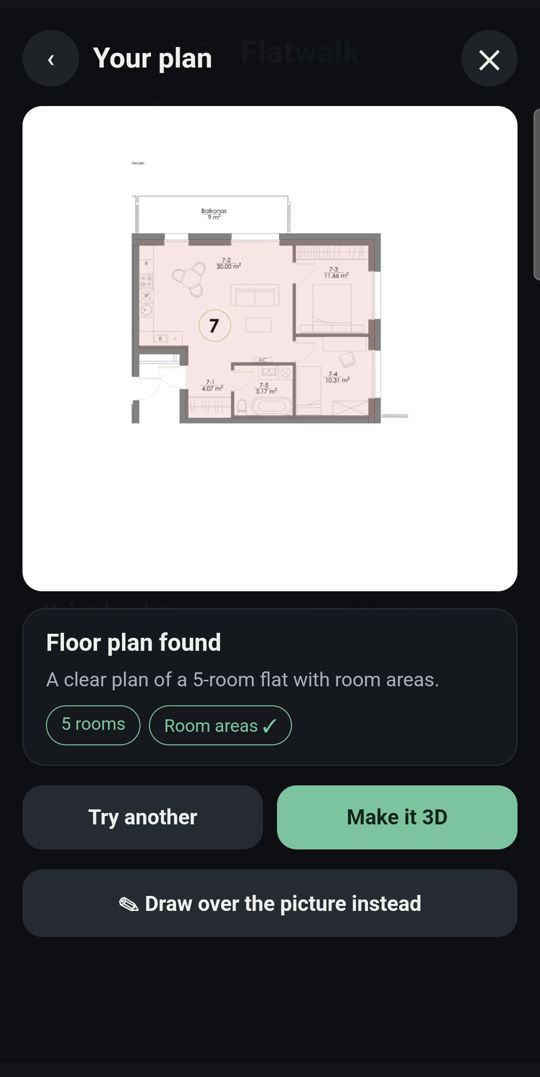
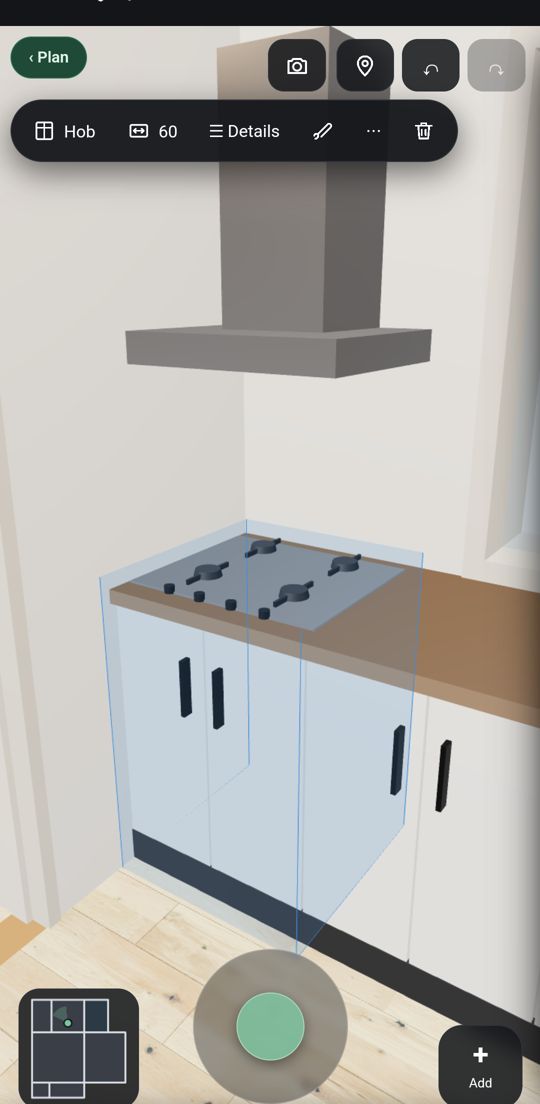
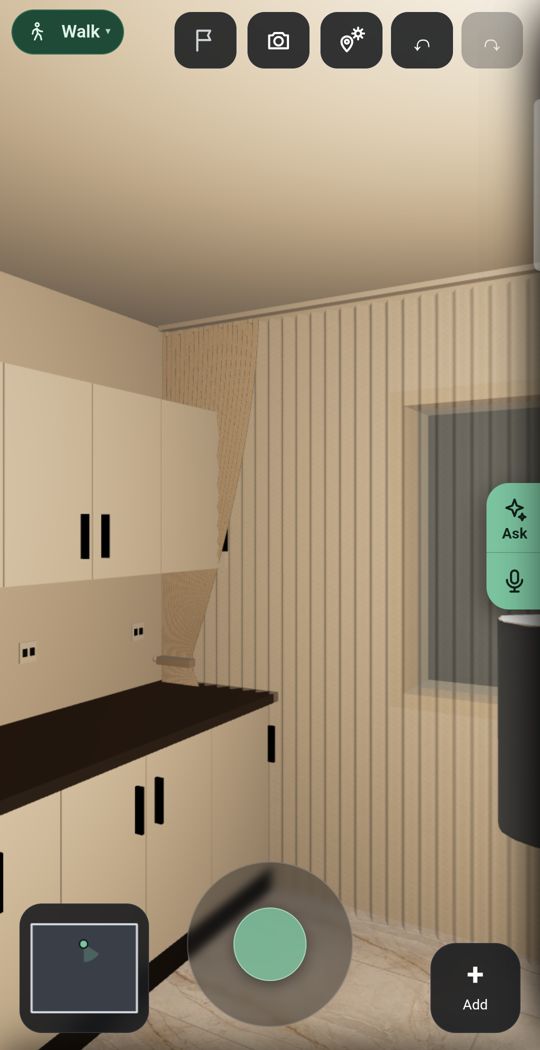
Short answer. RoomSketcher is an established floor plan maker, used by estate agents, builders and homeowners for tidy 2D and 3D plans to print and share. It runs on Windows computers and on iPad and Android tablets; its own pages say the app is not available on phones. Its first AI conversion of a floor plan is free, and its live 3D walk is on the paid plans. Flatwalk is the newcomer, made for the phone, and it is about your own flat rather than the drawing: walk through it at eye level, furnish it with real shop pieces, add lights and see the sun for your address, free for one flat. Pick RoomSketcher for professional floor plans; pick Flatwalk to plan and walk your own flat on an Android phone.
How to turn a floor plan into 3DBest room planner apps for AndroidHow to read a floor plan
Side by side
| Flatwalk | RoomSketcher | |
|---|---|---|
| Made for | People planning their own flat, on the phone | Professional floor plans for real estate, home design and offices |
| Works on | Android phone (iPhone later) | Windows computers, iPad and Android tablets; not on phones, as its own pages say |
| Planning one flat | ✓ FreeDraw, scan, measure, furnish, light and walk | LimitedFree plan with 2 credits, 3D snapshots with a watermark and a limited furniture library |
| Floor plan photo to 3D | ✓ 1 free tryRead from a photo of your plan | ✓ 1 free tryFirst AI conversion free (JPG, PNG or PDF); then 5 credits, or $20 a floor on the free plan |
| Scan a room with the camera | ✓ FreeOn Android phones that support it | FloorCapture, a beta for iPhones and iPads with LiDAR; $20 a floor on the free plan |
| Walk through at eye level | ✓ FreeEvery room, as often as you like | PaidLive 3D with eye-level walkthroughs on Pro and Team |
| Furniture | Real shop products at true size, with prices and buy links | 4,000+ items on the free plan, thousands more on Pro; no brands or buy links on the pages we read |
| Lights | ✓ FreeCeiling lights, lamps and LED strips, seen lit | Lighting in Live 3D and in its AI renders |
| Sun | ✓ FreeFor your address, date and hour | Not listedNo sun by address on its pages |
| Pictures | ✓ 1 free tryAI photo of your room | 3D Photos at $4 a render on the free plan, credits on paid plans; 360 views on paid plans |
| Have it drawn for you | Not offered | Redraw service: $38 a floor on the free plan, from $18 on paid plans, ready the next business day |
| If you want more | One membership with more flats and more of every AI tool | Pro $24 a month or $144 a year; Team $70 a month or $420 a year |
RoomSketcher's prices are the US dollar prices on its own pricing page on 20 October 2026, before sales tax or VAT. They may differ in your country.
What Flatwalk does that older planners skip
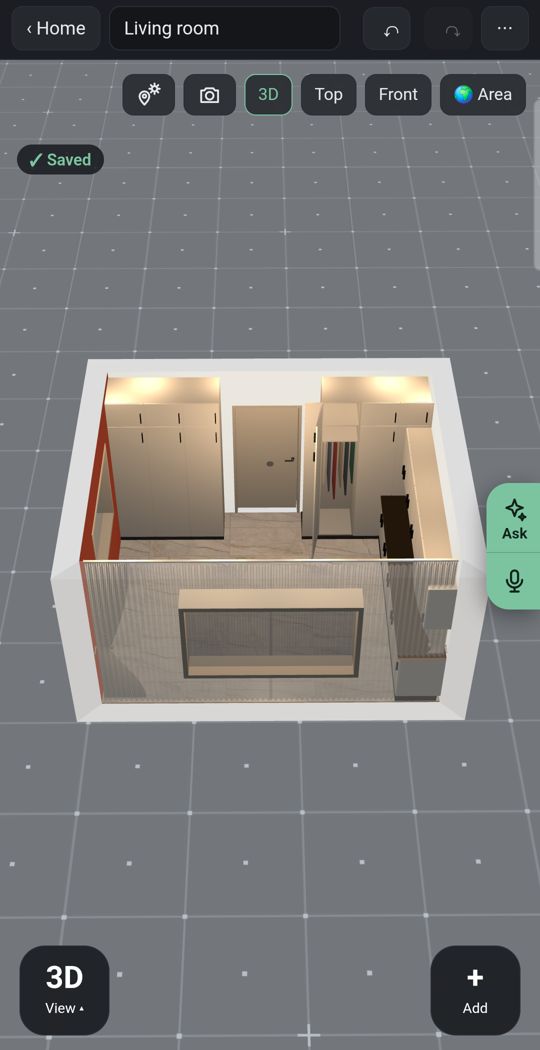
Lights
Add ceiling lights, lamps and LED strips and see the room lit as you walk through it.
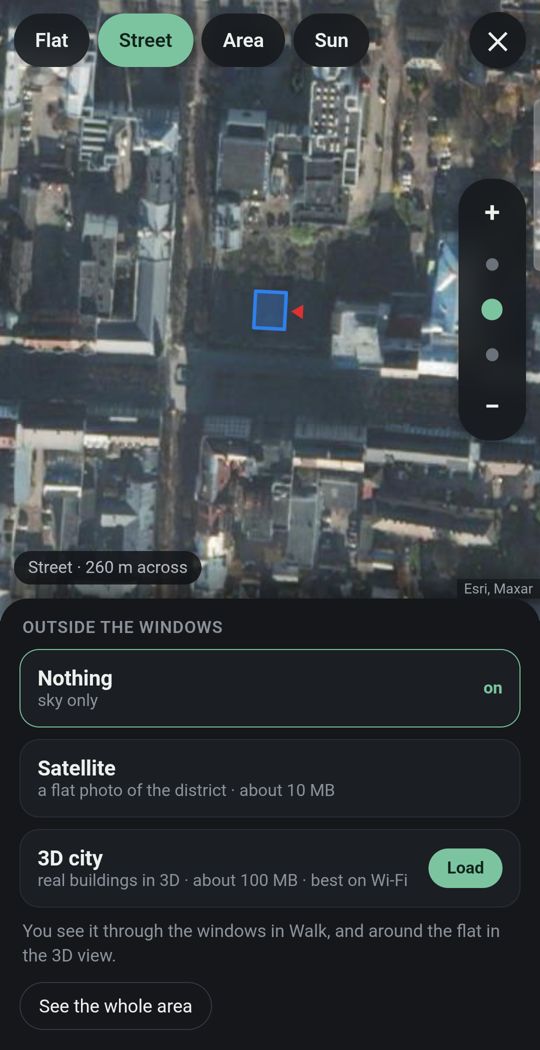
Your flat in its city
Give the address and the street and buildings around you appear in 3D where the map has them, so you see what is outside each window.
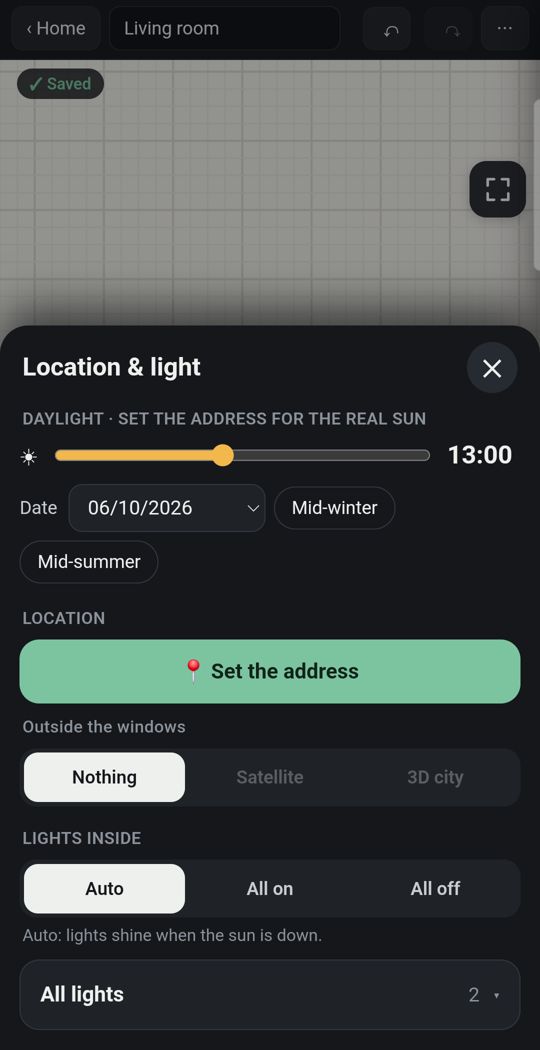
Sun for your address
The light falls where it really falls, by date and hour.
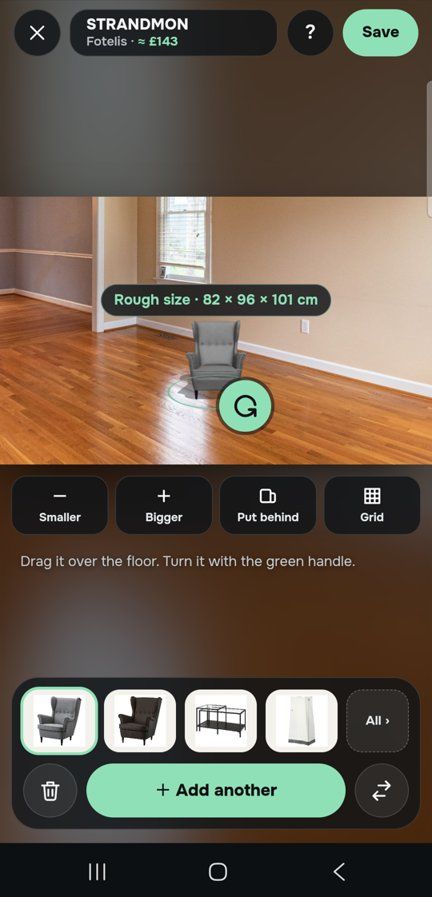
One piece, in your own room
Through the live camera or in a photo of the room, stand a sofa on your own floor at its true size before you buy it.
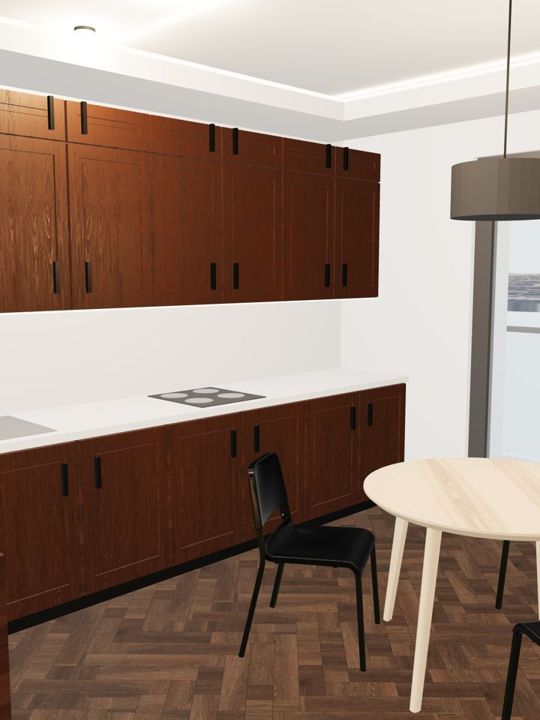
Detail
Dozens of door and window types, and kitchens, wardrobes and bathrooms built piece by piece, with real floors, tiles and paints.
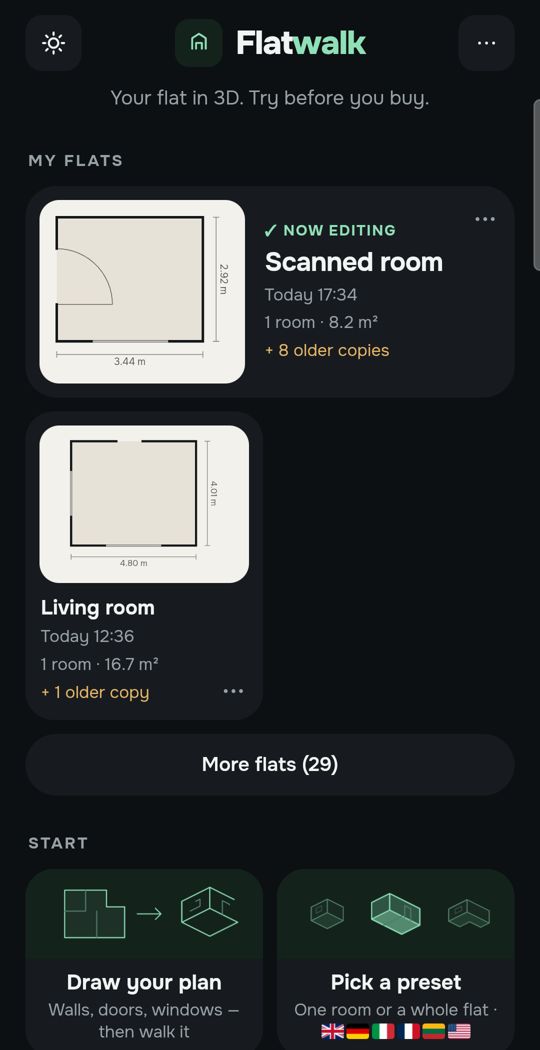
Made for a thumb
Tap a wall, a door or a sofa and the choices for that thing appear. It is a phone app first, not a computer program cut down.
Swipe for more. Every picture is the app itself.
One flat, free
Most people plan one home. For that, Flatwalk costs nothing: no trial clock, no credits and no card. Draw the plan or scan the rooms, measure, furnish, set the lights and the sun, and walk through it as often as you like. Each AI tool gives one free try: a flat from a photo of your floor plan, an AI photo of a room, a piece of furniture made from a shop link. A membership is for people who want more flats or more AI, and it bundles all of it in one price.
Where RoomSketcher is stronger
- Its floor plans are made to be printed and shared: clean 2D and 3D plans for listings, brochures and clients.
- It works on a computer and on tablets, and its Live 3D can be viewed in a browser on any device. Flatwalk is an Android phone app for now.
- It will draw your plan for you, by the next business day, if you would rather not do it yourself.
- It has team plans, and its home page says it is trusted by over 10 million professionals and homeowners in 170+ countries. Flatwalk is new.
Which should you choose?
- Choose Flatwalk if you have an Android phone and one real flat to plan, and you want to walk through it, furnish it with real pieces and see it lit and in its own sun, without paying.
- Choose RoomSketcher if you need floor plans to print or put in a listing, work on a computer or a tablet, or want a plan drawn for you.
Questions people ask
Does RoomSketcher work on a phone? Its own Android tablet page says the app is not available on phones; on a phone you use its web portal to manage projects. The app runs on Windows computers, iPads and Android tablets.
Is RoomSketcher free? It has a free plan with 2 credits, one free AI floor plan conversion and 3D snapshots with a watermark. Live 3D walkthroughs and 360 views are on its Pro and Team plans, from $24 a month or $144 a year.
Can RoomSketcher turn a photo of a floor plan into 3D? Yes. Its AI Convert page says it reads JPG, PNG and PDF files and clear photos, and the first conversion is free. Flatwalk also reads a photo of your plan, with one free try.
Is Flatwalk free? Yes, for planning one flat: every ordinary tool, with no trial clock, and one free try of each AI tool. Memberships add more flats and more AI.
Can I share my flat from Flatwalk? Yes. A link lets anyone walk through the flat in 3D without signing in, and you can print a QR sticker that opens it.
Can I use Flatwalk on an iPhone? Not yet. The Android app comes first.
Flatwalk is launching on Google Play. Join the waiting list at flatwalk.app.
Join the waiting list